SYMPTOM:
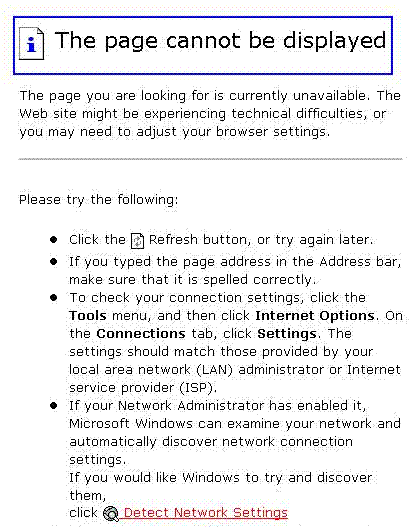
After installing Strategy with a default installation. and deploying Strategy Web with Internet Information Services (IIS), the user is unable to display the Strategy Web Administrator Page . If the user attempts to connect to the standard location of Strategy Web with http://localhost/MicroStrategy/asp/ or using the IP loopback address http://127.0.0.1/MicroStrategy/asp/, they receive a 'Cannot find server' message. This error message is the same showed when IIS is not running, as shown below:
CAUSE:
When installing Strategy Web, an error occurred when creating the virtual directory. In the install.log file the following error can be found:
Completed file transfer for Strategy Web Server (ASP .NET)
Registering Strategy Web Server (ASP .NET) files
Beginning post-data move actions for Strategy Web
Configuring Web virtual directories...
Creating the virtual directory - Strategy
 Creating the Web virtual directory Strategy
 Failed creating the virtual directory (return code -5)
 Unable to successfully configure the Strategy virtual directory
  Creating the virtual directory - Images
 Creating the Web virtual directory Strategy\asp\Images
 Failed creating the virtual directory (return code -5)
 Unable to successfully configure the Strategy virtual directory
In order to ensure this, use the following command under DOS command prompt window:
C:\WINDOWS\Microsoft.NET\Framework\v2.0.50727>aspnet_regiis.exe -i
