SYMPTOM:
Administrators may want to perform a License Audit on a Strategy Intelligence Server. This allows administrators to have an up-to-date report about the license usage.
ACTION:
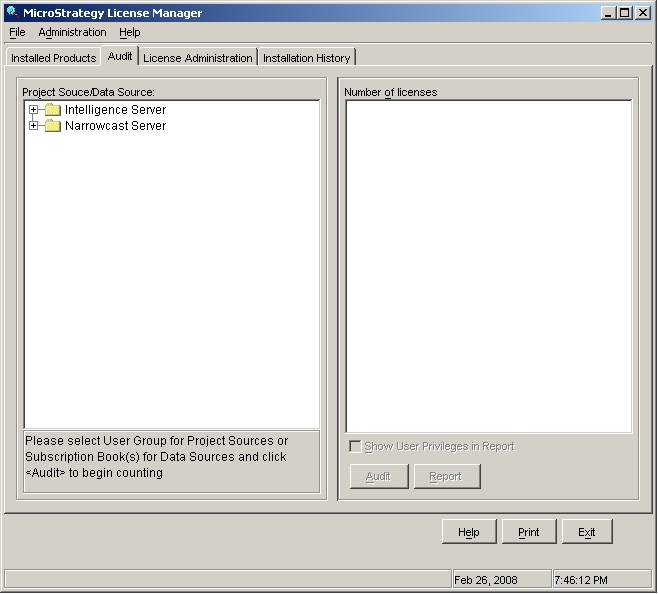
To do so, open the License Manager on the server machine, and go to the second tab 'Audit', as shown below:
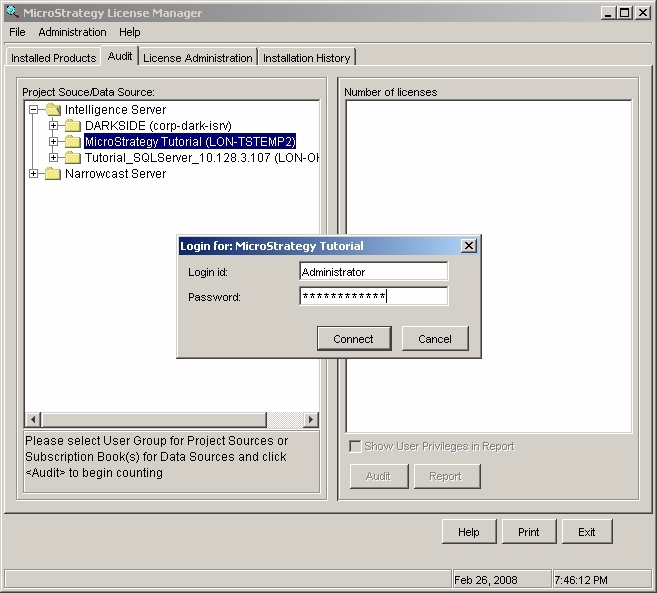
Under Strategy Intelligence Server, select the 3-tier project source to be audited (an Administrator login and password need to be provided) as shown below:
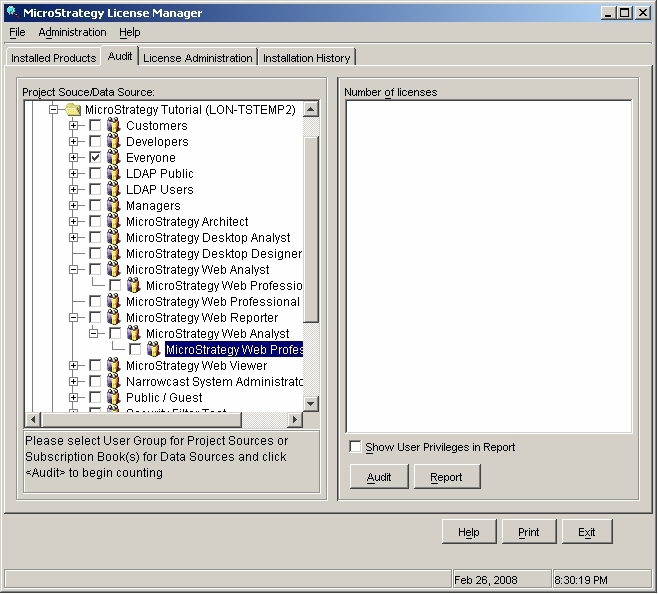
Once connected to the 3-tier project source, administrators can choose to audit either all users or just a specific user group (by default, the 'Everyone' group is selected) as shown below:
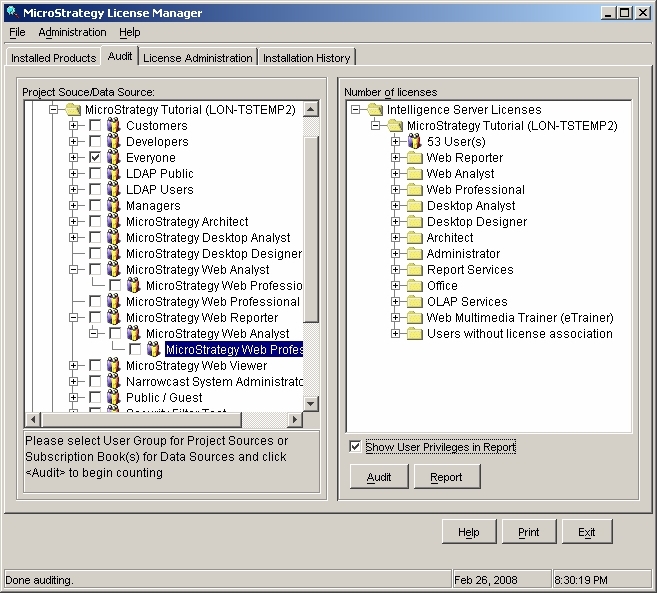
Two different outputs are possible: interactive inside the License Manager window, or static report in HTML/XML/CSV format. In the second option, it is also possible to select whether to show the user privileges in the report for a more detailed output, as shown below:
22571
