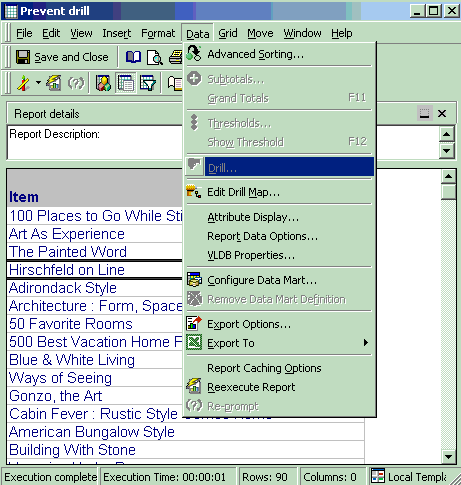
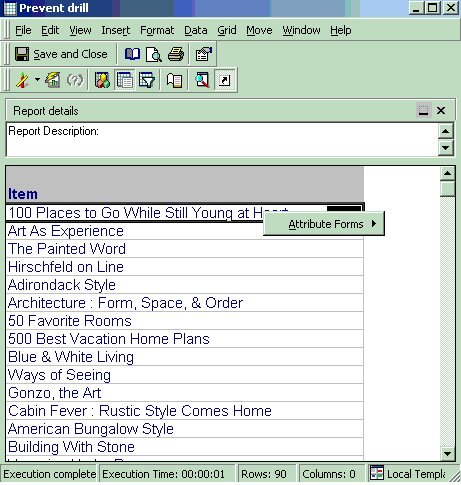
In Strategy Developer, after running a report, users may wish to prevent a particular attribute from being drillable. For instance, in the report below, users are able to drill up and down the Product hierarchy but there may be certain instances where upon running a report with the attribute Item, it is not desirable to drill from this attribute to anything else.
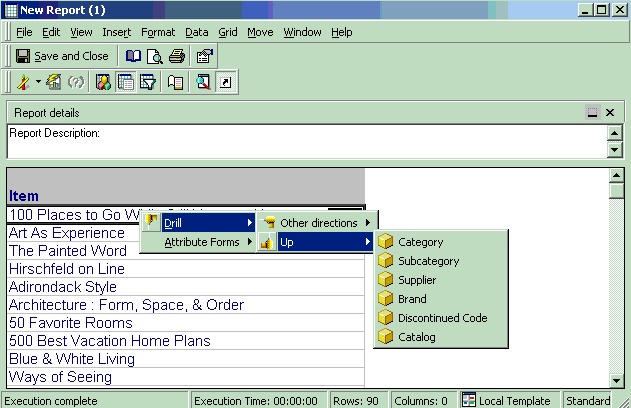
How can drilling be prevented once users have drilled to attribute Item?
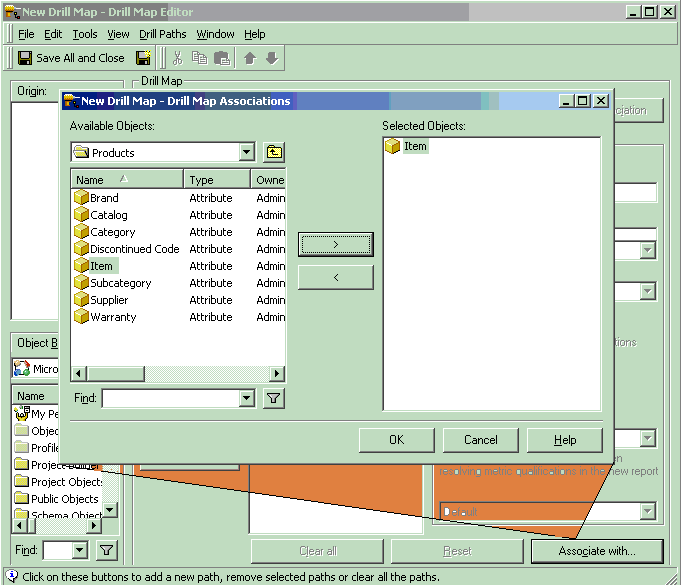
Once users have drilled to attribute Item, they can prevent drilling by creating an empty drill map and using the Drill Map Editor tool and associating to this drill map any objects that should have no drilling.
To create this empty drill map, follow the steps outlined below: