SYMPTOM:
A report filter in a report is not being applied in Strategy Developer 9.x and the SQL Engine is not generating the where clause as expected.
CAUSE:
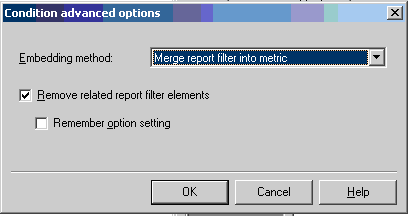
One possible cause is that the conditionality of a metric in the report has been set to remove related report filter elements. If the report filter in the report and the conditionality of a metric are both applied on attributes of the same hierarchy, the 'Remove related report filter elements' checkbox is most likely checked.
ACTION:
To determine if the conditional metric is responsible, follow the steps below:
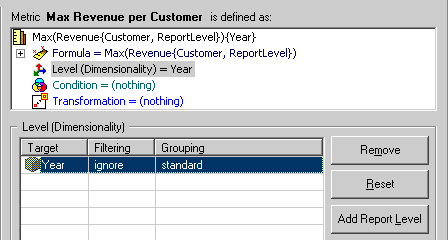
If the report filter and the filter in the metric's conditionality are applied on attributes of different hierarchies, the report filter will not be ignored as the attributes are unrelated.
ACTION:
In order to disable this setting, click on the 'Advanced' button in the Condition section of a metric's editor and uncheck the 'Remove related report filter elements' setting.
