SYMPTOM:
When attempting to connect to a project source in Strategy Developer, users see the following error message:
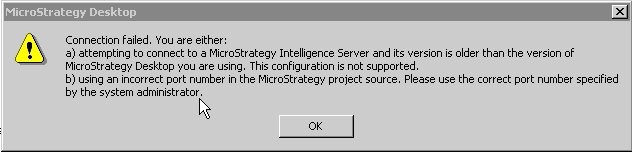
Connection failed. You are either:
a) attempting to connect to a Strategy Intelligence Server and its version is older than the version of Strategy Desktop you are using. This configuration is not supported.
b) using an incorrect port number in the Strategy project source. Please use the correct port number specified by the system administrator.
CAUSE:
There are three possible causes for this error message:
ACTION:
To resolve this issue, verify that the Strategy Intelligence Server is running and the correct port number is displayed in the project source. Additionally, make sure that the version of Strategy Developer is not newer than the version of the Strategy Intelligence Server.
