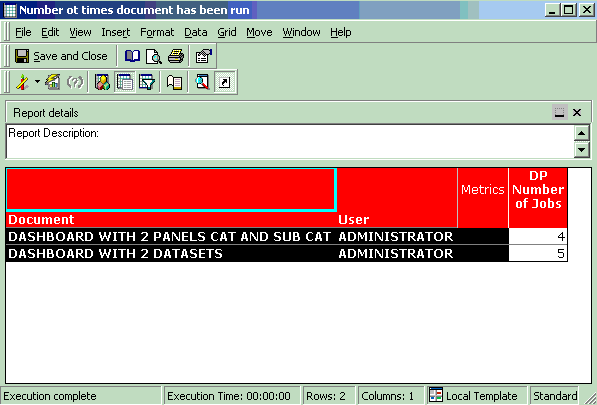
A Report Services Document containing a number of datasets is executed frequently and this Strategy Knowledge Base article describes how to find the total number of times such a Document has been executed, using Enterprise Manager reporting.
1. In Strategy Web, create a couple of Dashboard Documents with one or many datasets in them.
2. Run the Documents a number of times in Web.
3. In a configured Enterprise Manager project create a report with the attributes User and Document in rows and the metric 'DP Number of Jobs' in column.
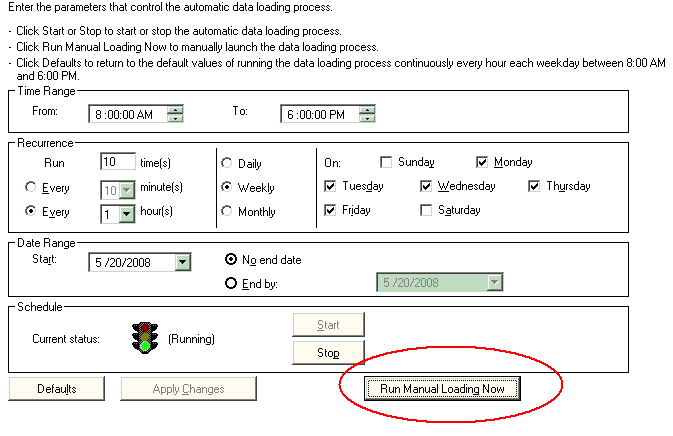
4. Launch the Enterprise Manager Console and run a manual data load.
5. Once the manual data load has run, launch the Enterprise Manager report created above. The report will display the number of instances a particular document has been run as shown below: