SYMPTOM:
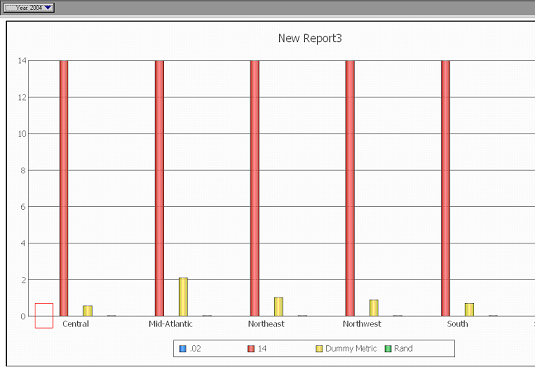
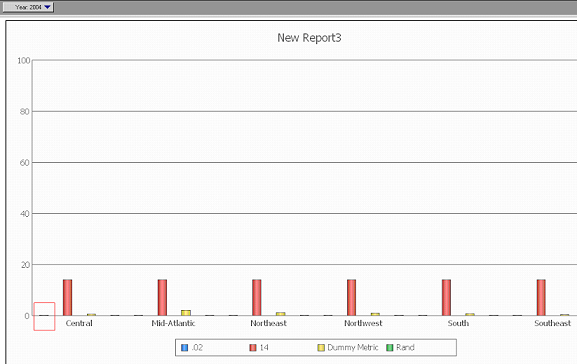
Bar graphs do not display data properly when values are relatively small under certain circumstances in Strategy Developer, as shown below:
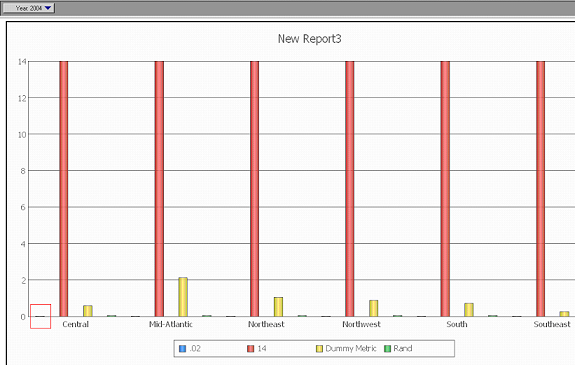
The expected behavior is to display small bar graphs, as shown below:
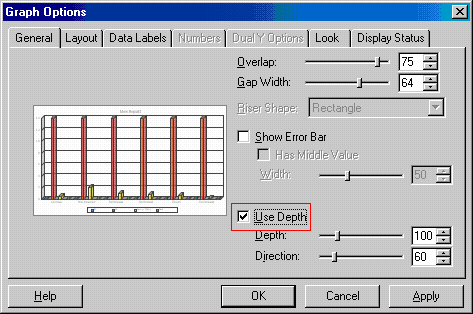
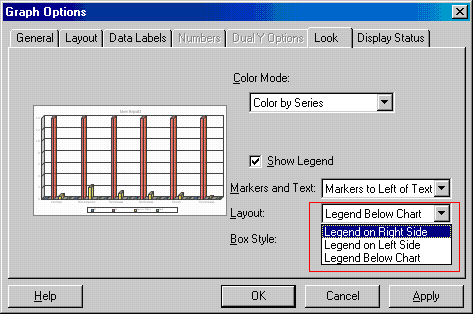
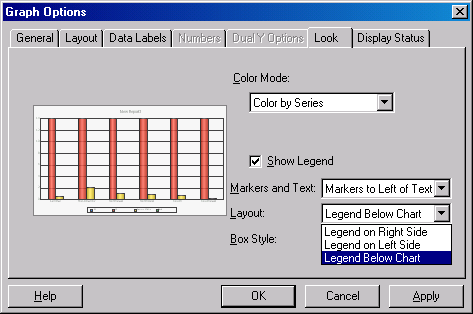
This issue appears when the space available for the graph is reduced. This can be accomplished by:
The relationship between the Y-scale and the value of the bar graph does not have the same effect as reducing the space of the graph and the values are still shown, as shown below:
STEPS TO REPRODUCE:
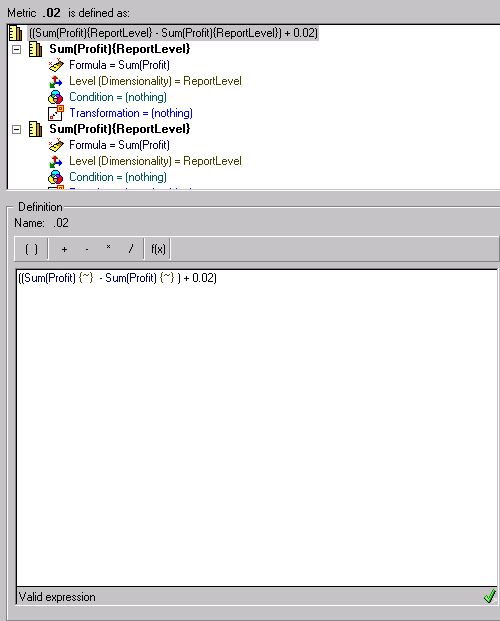
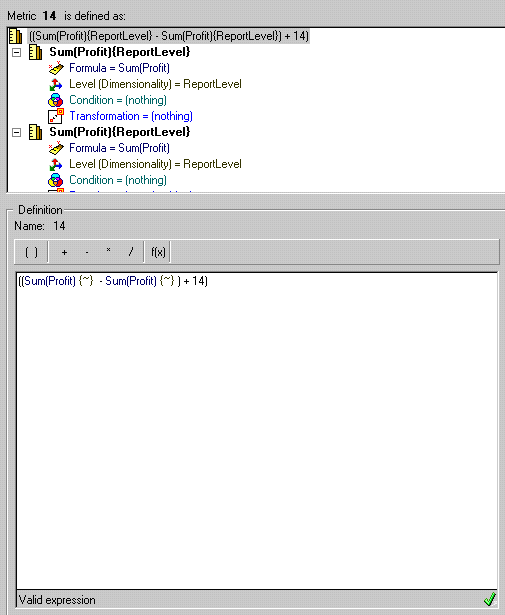
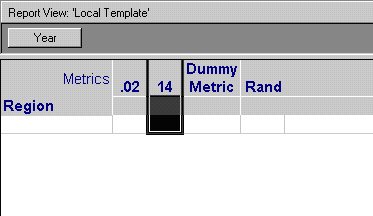
Follow the steps below to reproduce this issue:
CAUSE:
This is a known issue with Strategy Developer.
ACTION:
Change the graph options to a setting that shows the bar graphs, as shown below::