SYMPTOM:
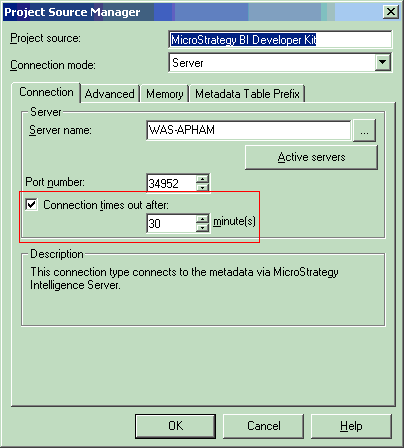
Reports are timing out before reaching any database time out and report execution time out settings in Strategy Developer 10.x, as shown below:
CAUSE:
A SQL pass in the report exceeded the VLDB property governing setting 'SQL Time Out (Per Pass).'
ACTION:
Verify and adjust the VLDB property governing setting of 'SQL Time Out (Per Pass)' to an appropriate value. This VLDB property can be set at the database instance (project level) or at the report level.
To check the VLDB property at the report level, follow the steps below:

To check the VLDB property at the database instance (project) level, follow the steps below:

