In Strategy Integrity Manager, Report Services documents can be included in the integrity tests. There are two processing options that can be selected for documents: Execution and Excel export as shown in the following image:
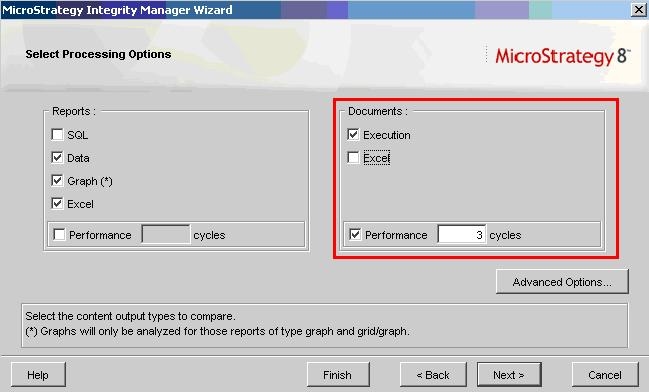
If the Execution checkbox is selected, the test will record execution times of the document in the base and target system if necessary. The user can also specify a value in the Performance cycles setting in order to run the document more than once. By selecting the Excel checkbox, Integrity Manager will compare the Excel export by doing a pixel by pixel comparison. If any differences are found, Strategy Integrity Manager will circle them in red.
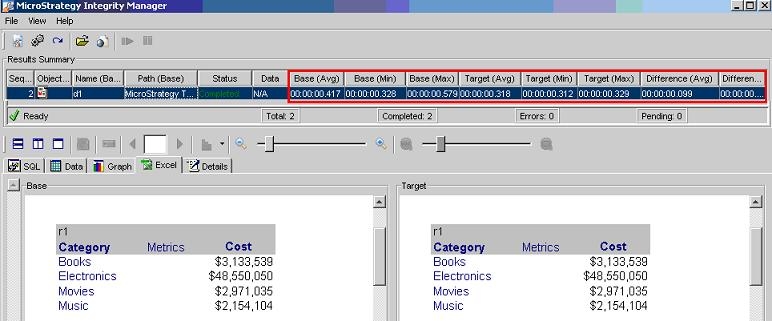
The following image shows an example on how the results are presented to the user when both options are checked. The results summary section will show the execution results and the Excel output can be located in the new Excel tab.