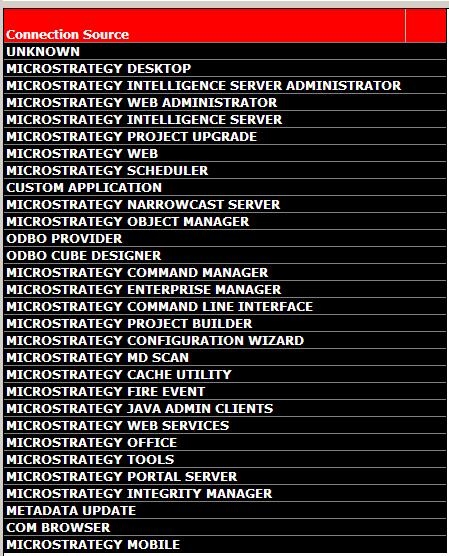
Strategy Enterprise Manager 9.x and 10.x logs statistics for several clients or 'connection sources' as they are known within the Strategy Enterprise Manager reporting context. To obtain a list of all the possible clients or connection sources that are valid and registered with Strategy Enterprise Manager, the user can simply drag and drop the 'Connection Source' attribute onto a new report in Strategy Developer from the Strategy Enterprise Manager project to see the full list, as shown below:
For more information on how these statistics are logged, refer to the 'System Administration Guide' (PDF) of the Strategy Product Manuals.
