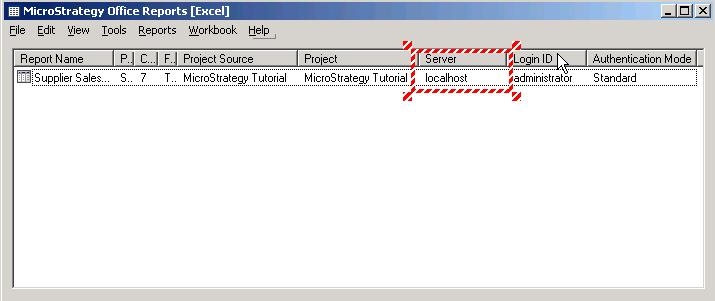
INTRODUCTION:
This technical note describes how to use the persisted project source name to refresh report using Strategy Office 10.x. The highlighted setting can be used to refresh Strategy office report.
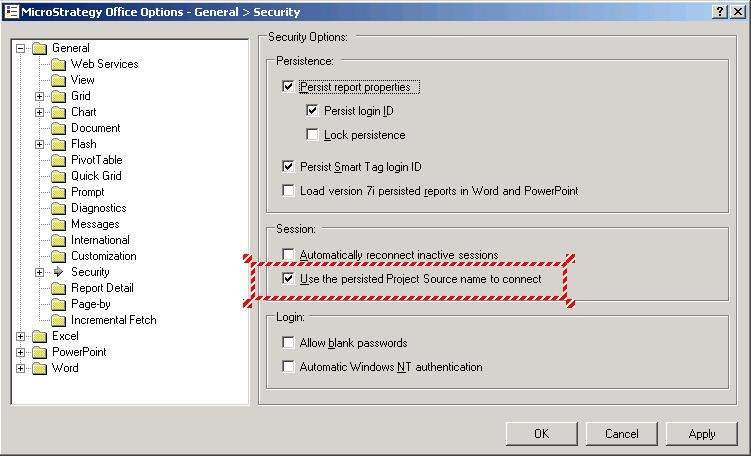
When the highlighted is selected, Strategy Office will try to find a project source name in Web Services that matches the persisted project source name to determine which Strategy Intelligence Server to connect to. If it's not selected or Web Services does not have a matching project source name, then Strategy Office will try to find a matching server name in Web Services that matches the persisted server name .
SCENARIO
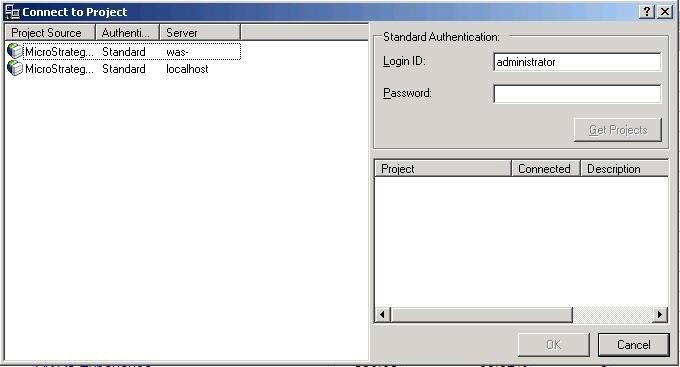
In this scenario, two Strategy Intelligence Servers listed in the projectsources.xml: localhost and was-, as shown below. Refer to the following Strategy Knowledge Base technical note for instructions on how to modify this file.
KB9898 (KB5600-750-1195): How can users access multiple project sources from MicroStrategy Office?
This scenario uses the steps below:
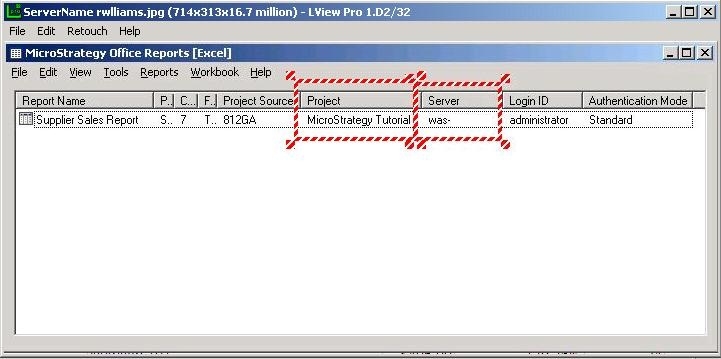
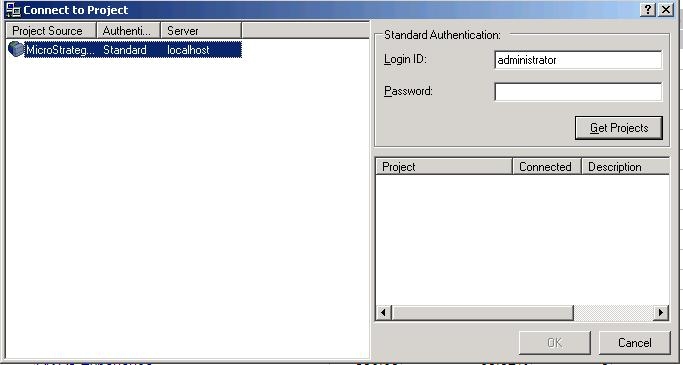
What happens when refreshing the report?
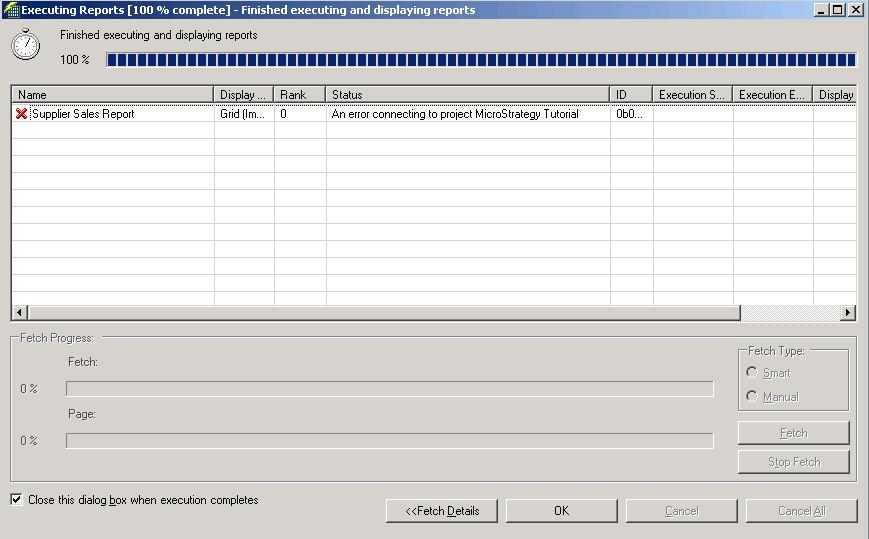
When this new flag is NOT checked, Web Services will be looking for the matching server name was- . When it does not find the matching server, an error will be returned as shown below.
When this flag is checked, Web Services will look for a matching project source name to determine which Strategy Intelligence Server to connect to. Notice that after the report is refreshed, the persisted server name is changed to localhost, as shown below.