When exporting a Report in Strategy Web the user is prompted with the following window to enter the export options.
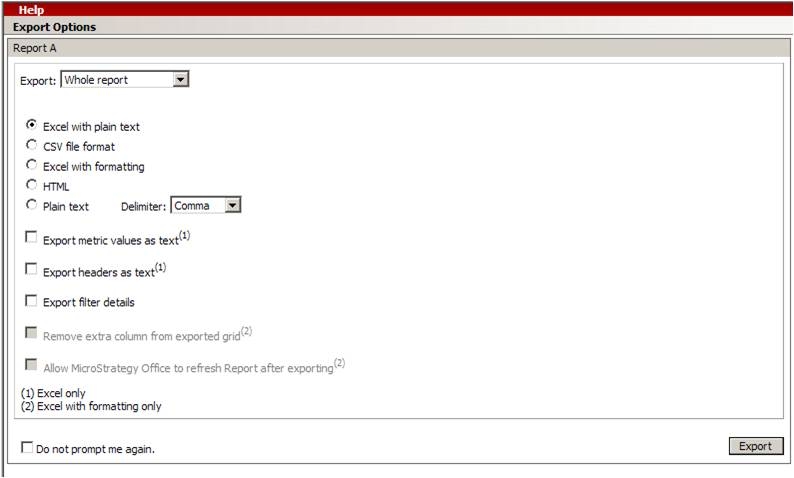
This technical note explains how to configure a URL API call to export a Report without displaying the options window.
The URL API call looks like the following:
http://WEBSERVER/MicroStrategy/asp/Main.aspx?evt=3067&src=Main.aspx.3067&server=ISERVER_NAME&Project=PROJECT_NAME&uid=administrator&pwd&group=export&fastExport=true&reportID=REPORTID&evt=5003&src=Main.aspx.report.5003&prefValue=0&prefName=exportShowOptions&evtOrder=5003&2c;3067&5003=1&3067=1
The previous URL API call is configured to call two events. One will call the export and the second one will turn off the options screen.
The first event calls the export:
evt=3067 - The Direct export event
fastExport=true - This enables the direct export
The second event will disable the options windows:
evt=5003 - This event sets a preference setting
prefName=exportShowOptions - This specifies which preference to modify. In this case, the Show Options when Exporting preference
prefValue=0 - This sets the preference to false (0)
Finally, the order of the events needs to be specified, so that the preference is changed before export process occurs:
&evtOrder=5003&2c;3067&5003=1&3067=1
