SYMPTOM:
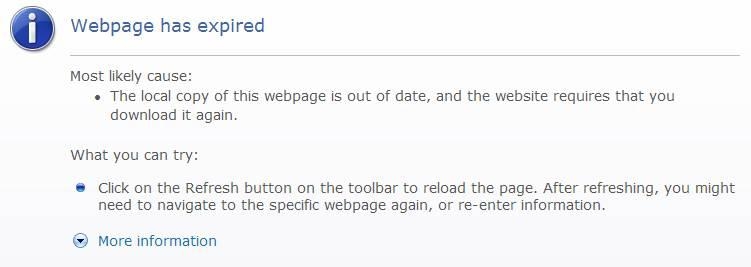
When clicking the browser's Back button on the Strategy Support Site, the user receives the error page below indicating that the "Webpage has expired":
CAUSE:
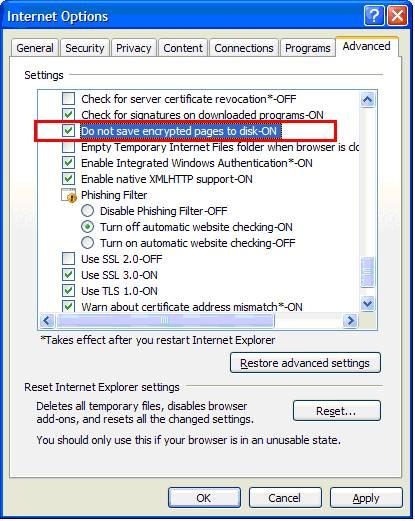
This can occur due to a browser setting in Internet Explorer that controls how encrypted web pages are saved/cached. This specific setting, 'Do not save encrypted pages to disk', is shown below and can be found on the Internet Options -> Advanced tab
ACTION:
Disable this setting, by un-checking it, to enable Back button support for Strategy's Support Site.
