SYMPTOM:
Users can browse and select dates in the calendar beyond the restricted limits while answering a date value prompt in Strategy Developer 10.x. It is not until the user hits 'finish' that Strategy forces the user to select another value.
In the screenshot below, the maximum date set for the prompt is April 30, 2017, but the user can still view and select a date beyond this limit.
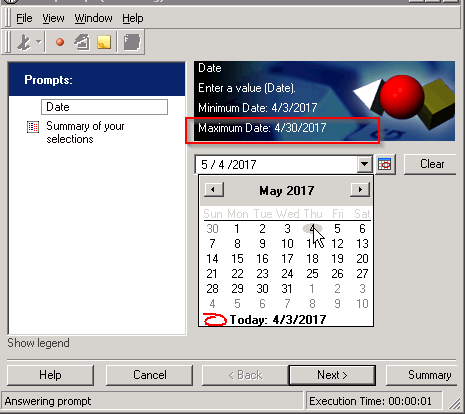
Prompt allows the user to proceed to the summary of selections even though the selection is out of bounds.
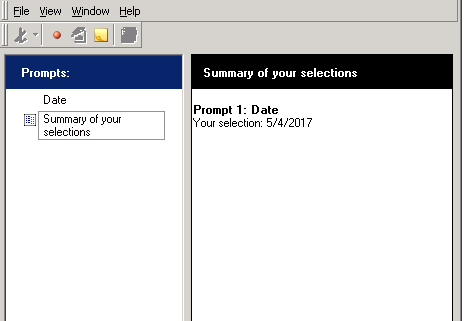
When the user attempts to execute the report, an error is returned and the user is forced to re-answer the prompt with a valid date selection.
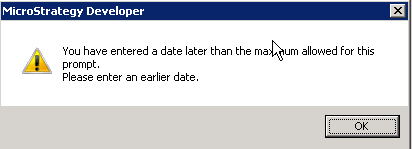
You have entered a date later than the maximum allowed for this prompt. Please enter an earlier date.
CAUSE
This is working as designed. Especially for dynamic dates, the dates could become valid in a few hours/days/weeks.
ACTION:
This issue was reviewed by our Technology team for feasibility and will not be scoped for a code fix in any upcoming Strategy release.
WORKAROUND:
An attribute element prompt can be used as a workaround. To create a restricted attribute element prompt, follow the steps below:
This will create a prompt that allows a user to select dates, and only present those dates that are allowable selections as options.
19812
