SYMPTOM:
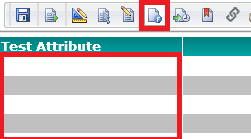
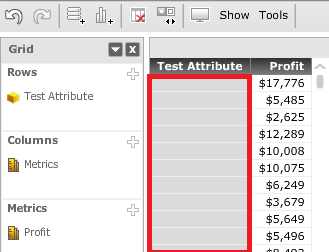
Uses may notice that images referenced using the HTML <img> tag will not display in Report Service Documents executed in Flash mode and in Visual Insight dashboards in Strategy Web 9.4.1 as shown below:
Report Services Document in Flash mode:
Visual Insight dashboard:
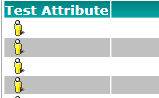
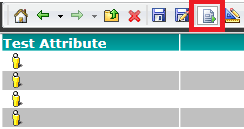
However, if a report containing this attribute is executed or if a report services document containing this attribute is executed in DHTML mode, the images appear successfully, like shown below:
Image in a report:
Report Services Document in Express mode:
Report Services Document in Interactive mode:
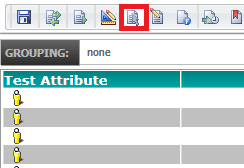
Report Services Document in Editable mode:
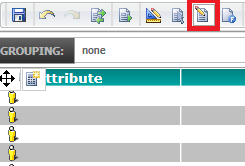
STEPS TO REPRODUCE:
1. In Strategy Tutorial, make a copy of the Item attribute.
2. Open Attribute Editor, select an image form name and click on 'Modify'
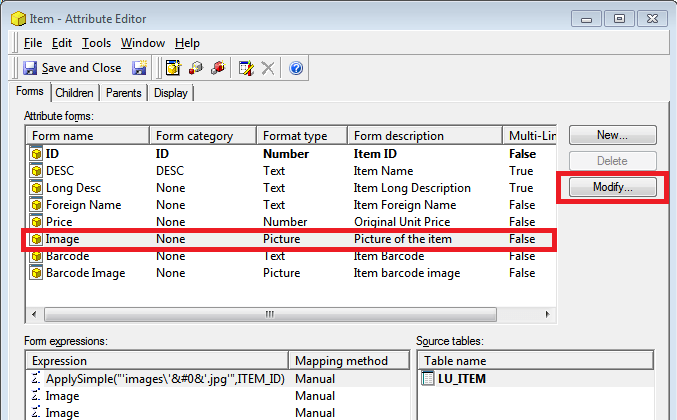
3. Select Expression with ApplySimple and click on 'Modify':
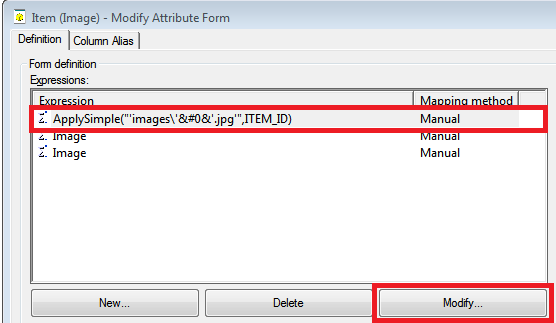
4. In "Modify Form Expression" replace out of the box ApplySimple expression:
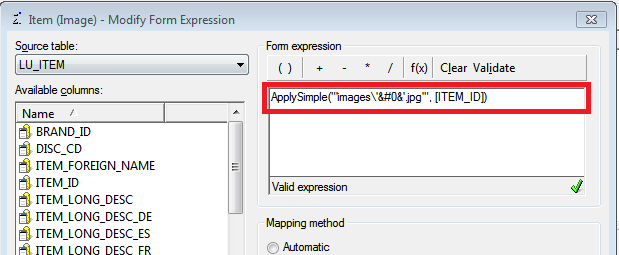
with the following expression:
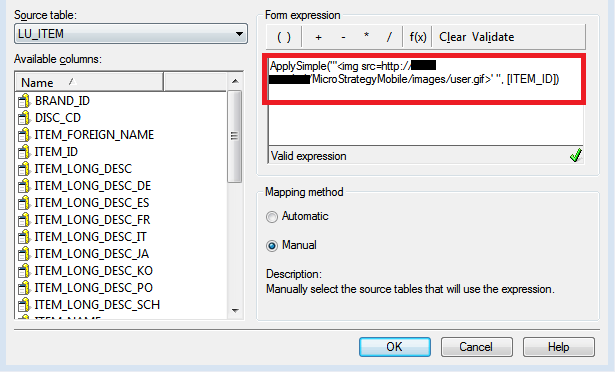
ApplySimple("'<img src=http://servername/MicroStrategy/images/user.gif>' ", [ITEM_ID])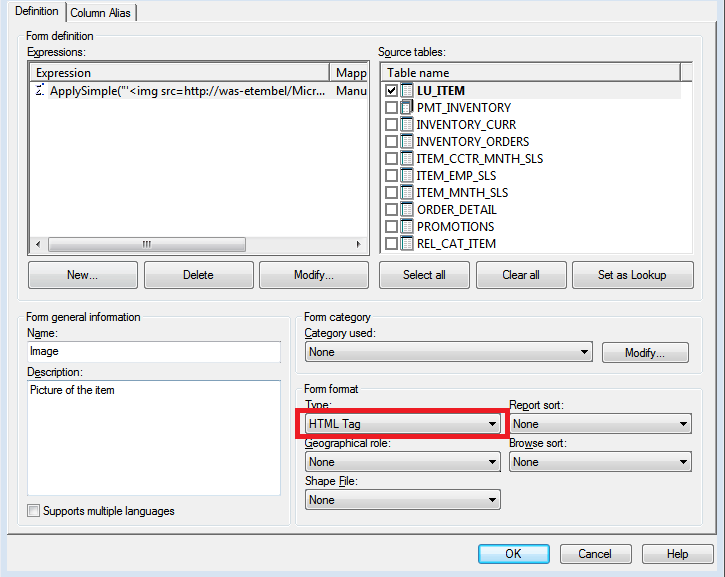
7. Optional. Remove all description forms except ID and Image:
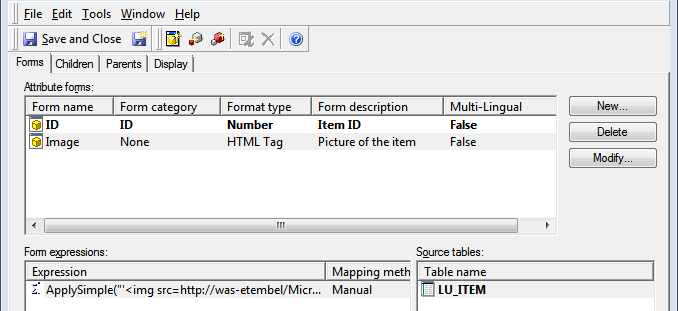
8. Save Attribute as a "Test Attribute"
9. Create a report with the Test Attribute and any metric (optional). As shown below, the images displayed in a report without issue.
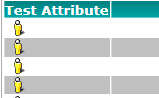
10. To reproduce the issue, create a document that uses the created report as a dataset and run it in Flash mode or create a Visual Insight dashboard.
CAUSE:
This is a known issue in Strategy Web 9.4.1.
ACTION:
This issue is exclusive to Flash mode, in 9.4.1 VI dashboards are based on Flash mode and as such present this issue. Starting in 10.x VI dashboards are HTML5 based and as such the issue has been fixed in that release. Upgrade to take advantage of the fix.
