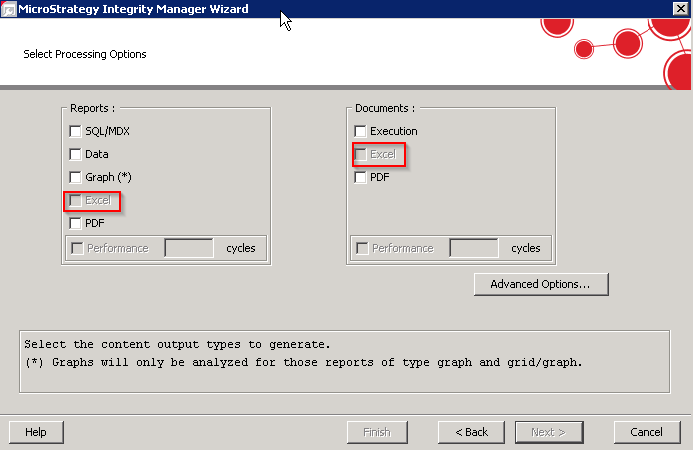
When a user runs an Integrity Manager test and navigates to the Select Processing Options step of the wizard, the options for Excel are greyed out:
The Windows user running the Integrity Manager tests with Excel comparisons must be an administrator or be in the local Administrators group that have all Launch and Activation Permissions in DCOM for the machine as shown below:
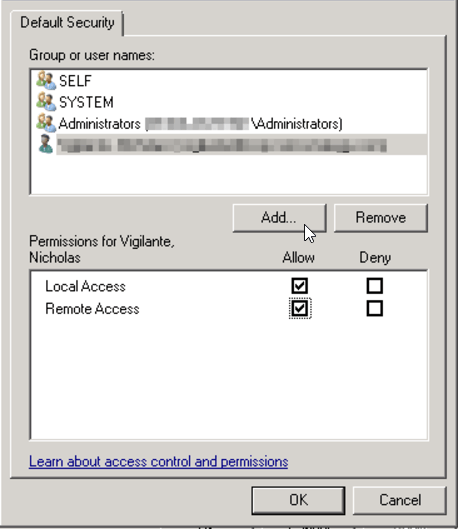
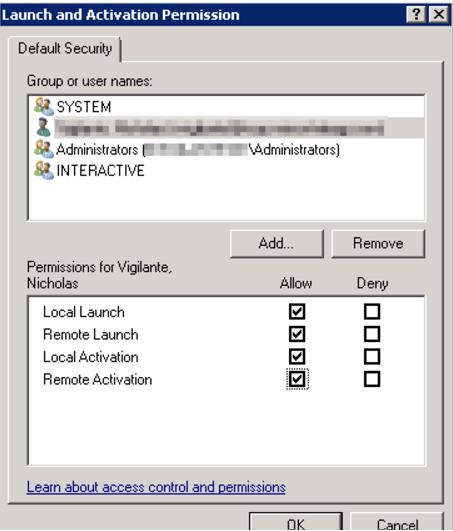
To resolve the issue, add the user to the local Administrators group. After saving the changes, the user should now be able to execute Excel comparisons in Integrity Manager tests.
