In Strategy Narrowcast Server 9.x - 10.x, Control Documents provide a way to personalize the name of files generated by services. The following is an example of the syntax necessary for file delivery, the name of the file can be specified with static text and/or Information Objects:
SaveDocumentAs='NAME_AS_DISPLAYED_IN_content_SECTION.pdf=NEW_NAME.pdf'
Note: While it is possible that Information Objects can be used in the personalization of filenames, they need to return the exact string that will be placed as part of the name generated. Carriage returns are not considered invalid characters when defining a filename.
The following steps outline the procedure to use so that an Information Object can be used in a Control Document to specify the document’s personalization preference as part of the file name. These steps are for documents running under Personalized Page Execution. Steps on how to use this with a Dynamic Subscription Set are included; however this technique can also be used just as easily with Static Subscription Sets.
Note: This technical note assumes that the attribute on which the page-by personalization will be based is already created in a Strategy Intelligence Server 8.x project.

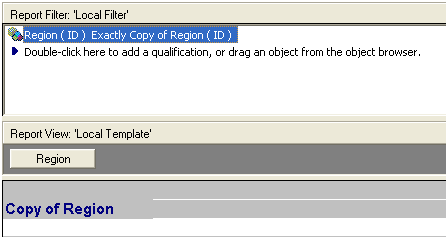
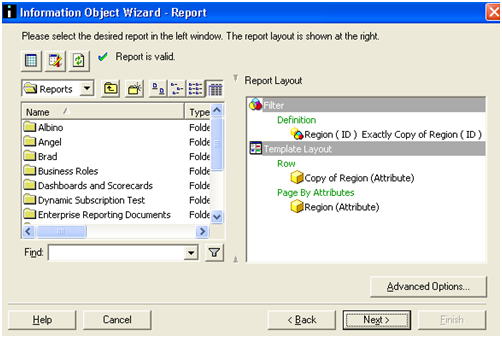
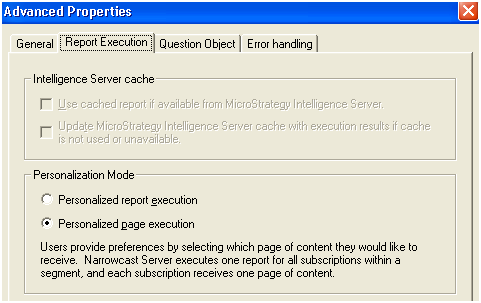
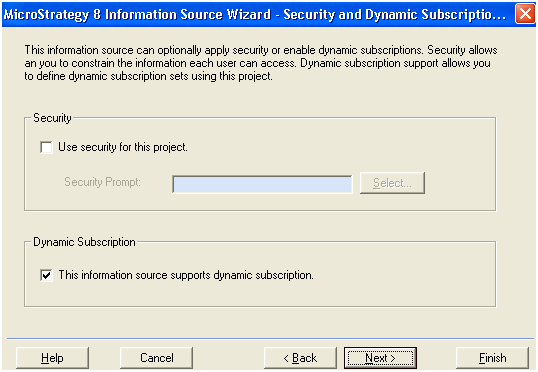
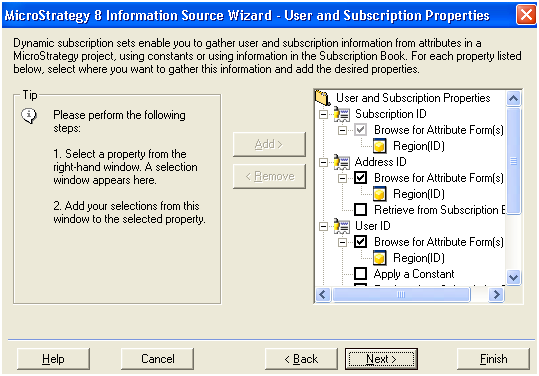
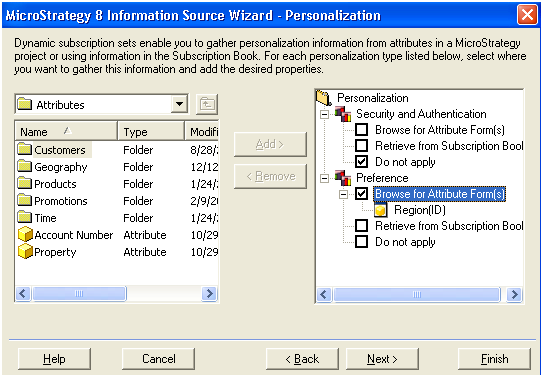
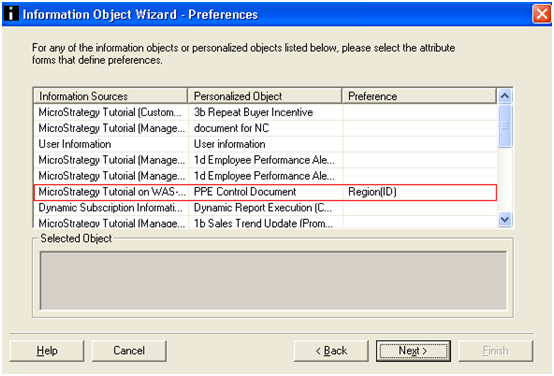
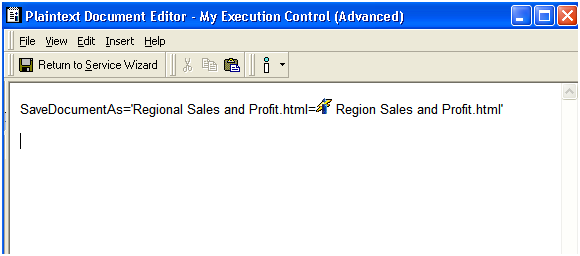
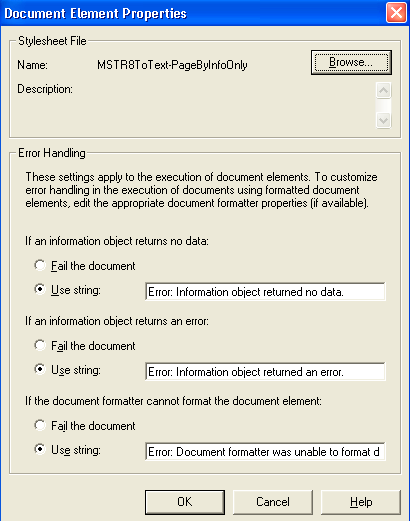
When the service is executed the files created will be named using the attribute element information returned by the Information Object. A file will be created for each attribute element available.
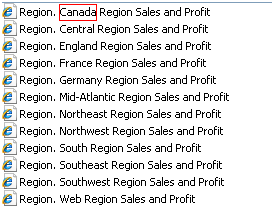
Note: The report created in this technical note was designed with simplicity in mind. While it is possible that the content report being delivered can be used, these reports are often much larger and could impact performance. Strategy Technical Support will not state what the 'best method', 'recommended method', or 'best practice' is for this; the choice is left up to the implementer.
Refer to the following Strategy Knowledge Base technical notes and documents for more information:
