SYMPTOM:
After modifying the Read SQL statements in the Read Settings section of the Warehouse Catalog options, for a project using an Oracle database, the following error occurs when reading the Warehouse Catalog:
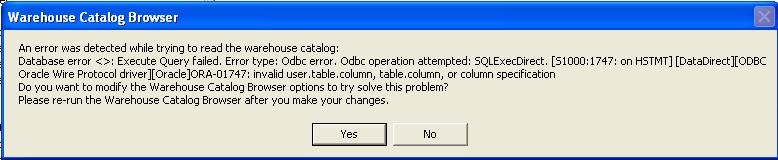
An error was detected while trying to read the warehouse catalog:
Database error <>: Execute Query failed. Error type: Odbc error. Odbc operation attempted: SQLExecDirect. ORA-01747: invalid user.table.column, table.column, or column specification
Do you want to modify the Warehouse Catalog Browser options to try solve this problem?
Please re-run the Warehouse Catalog Browser after you make your changes.
CAUSE:
The SQL statement specified to read the tables is incorrect. The Oracle error code ORA-01747 message indicates that a column name was specified improperly.
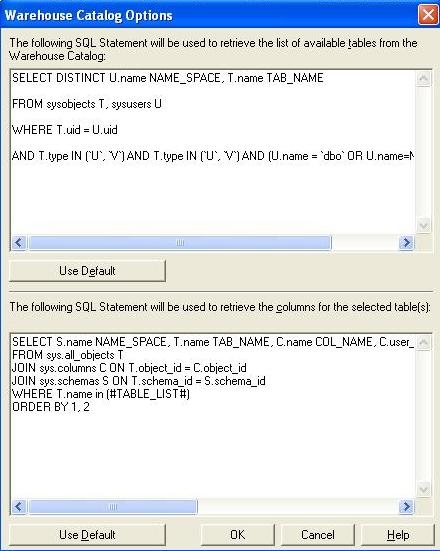
ACTION:
Work with the Database Administrator to configure the correct Read SQL statement syntax. Alternately, the default Read SQL statements provided can be used by choosing the 'Use Default' option.
