SYMPTOM:
An image attribute form whose elements use image URL does not appear in a Flash exported from Strategy Web or Developer 9.x
STEPS TO REPRODUCE
1. Refer to the technical note below to create a report containing an image attribute.
KB14226: How to display a .JPG or .GIF image as an attribute element in a report in MicroStrategy Web 9.x
2. Create a document based on the report created in Step 1.
3. Execute it from Web and Developer in Flash mode. It works fine, as shown below.
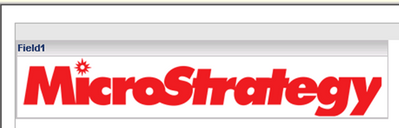
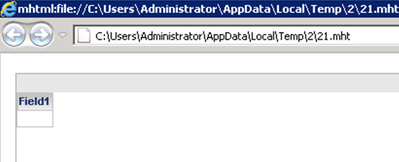
4. Export it from Web and Developer in Flash format. The image disappears, as shown below.
CAUSE:
This is a known issue in Strategy 9.x versions.
ACTION:
This issue has been resolved in Strategy 10.0 and higher versions. Upgrade to the latest Strategy platform release or feature release version to take advantage of the fix.
WORKAROUND:
Option 1: Export the documents to other files rather than Flash.
Option 2: Use images URL directly in documents rather than insert into attribute forms.
