SYMPTOM
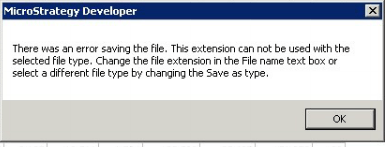
When the user tries to export a report to Excel in Strategy Developer 9.x, the user gets the error message "There was an error saving the file. This extension can not be used with the selected file type. Change the file extension in the File name text box or select a different file type by changing the Save as type."
CAUSE
This issue is occuring because the user has specificed a Pre-macro or Post-macro in the Data Menu > Export Options > General tab
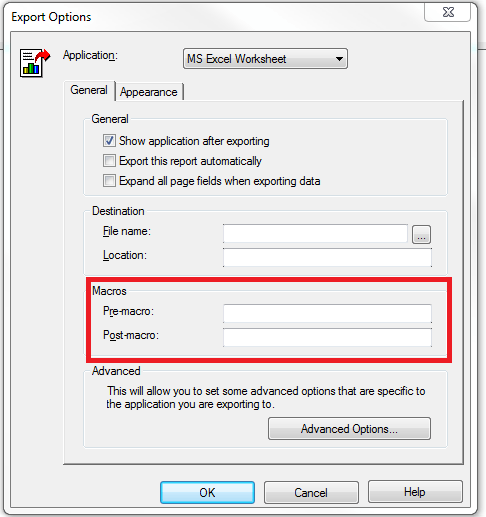
However the Excel Visual Basic for Applications (VBA) has not been installed on the client machine.
ACTION
Please install the Excel VBA on the client machine where the report will be exported to excel in order to use Pre-macros or Post-macros.
