SYMPTOM:
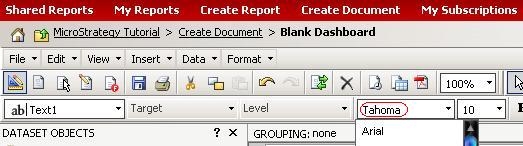
After removing the Tahoma font from Strategy Web 10.x, text in documents still default to that font. Even though Tahoma has been removed, it is still the default as seen in the image below:
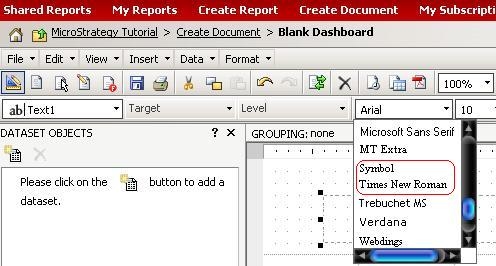
If the font is then changed off of Tahoma to Arial, as shown in the image below, Tahoma is no longer available in the dropdown list.
CAUSE:
This is due to the control defaults of the document template being set to Tahoma.
ACTION:
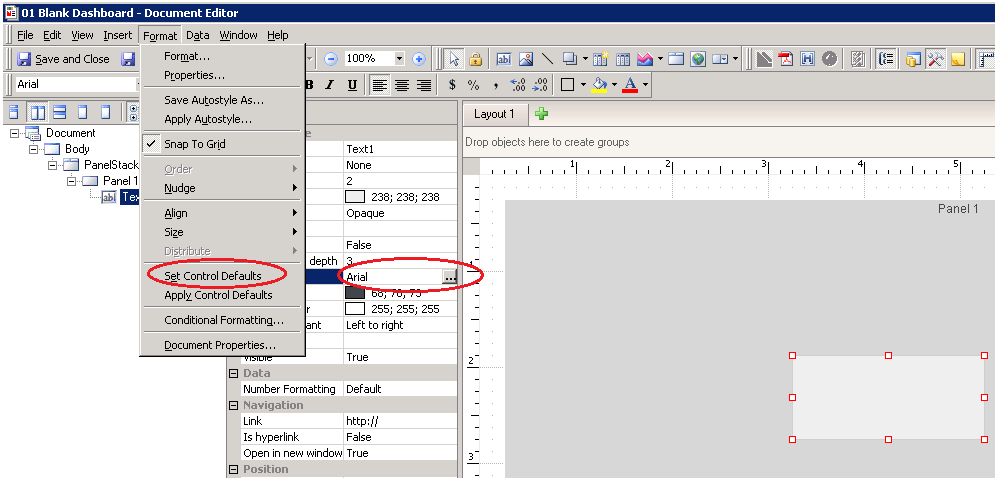
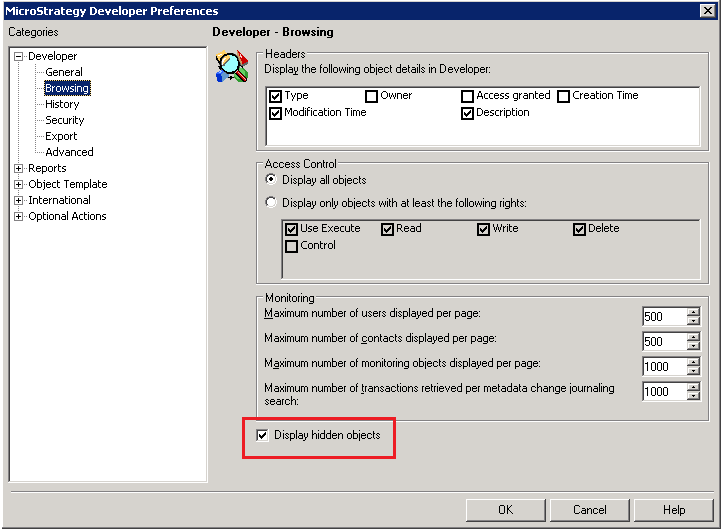
Modify the document template being used by the following procedure to default text to another font.
The following screenshot shows where each step is located: