SYMPTOM:
Sorting a report by a particular attribute with numeric element values generates the incorrect sort order, as shown in the screenshot below.
CAUSE:
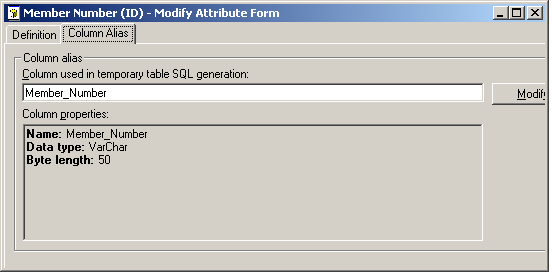
Verify the data-type of the column, if the elements are stored in a textual field, the sorting will be done alphabetically instead of numerically.
ACTION:
This is working as designed, sorting order depends on the data-type being sorted. A column with a textual field will always sort alphabetically. If the data should be handled as numeric ensure it is stored as a numeric value in the database
WORKAROUND:
If sorting of the column should be done following the numeric order, the column can be modified in the attribute editor by applying a cast/convert function. This can be achieved by the use of an ApplySimple statement and custom SQL provided by the DBA. The syntax for the cast/convert function will be different depending on the database used for the warehouse.
