Symptom:
Administrators may find that if using the object's 'Description' field to search for objects, Freeform Transaction Services Reports will not be shown when running this search.
Steps to Reproduce:
Step 1: Create a Freeform SQL Transaction Report.

Step 2: Add a value to the description field.
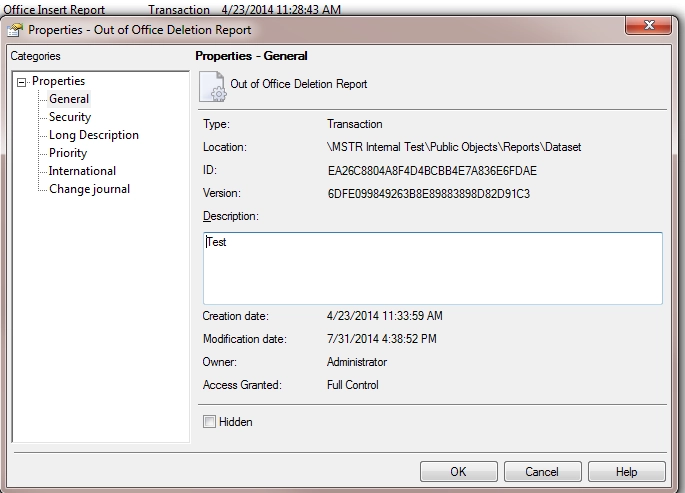
Step 3: Create Search Object based on Description used in Step 2.

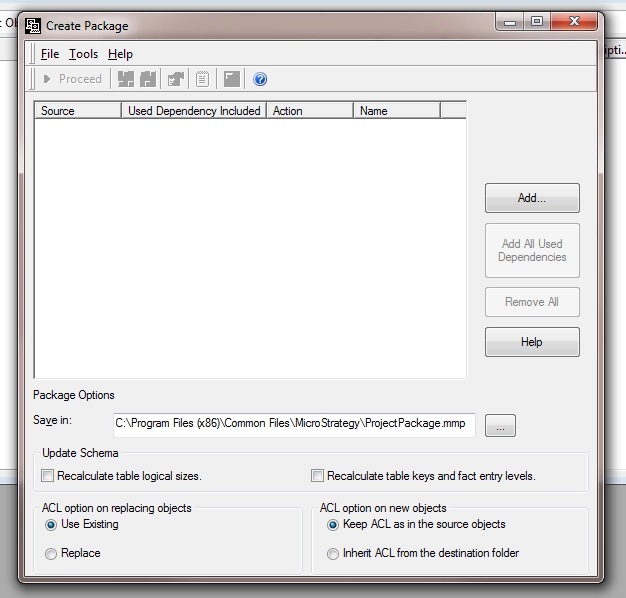
Step 4: Create Package in Object Manager using Search Object.
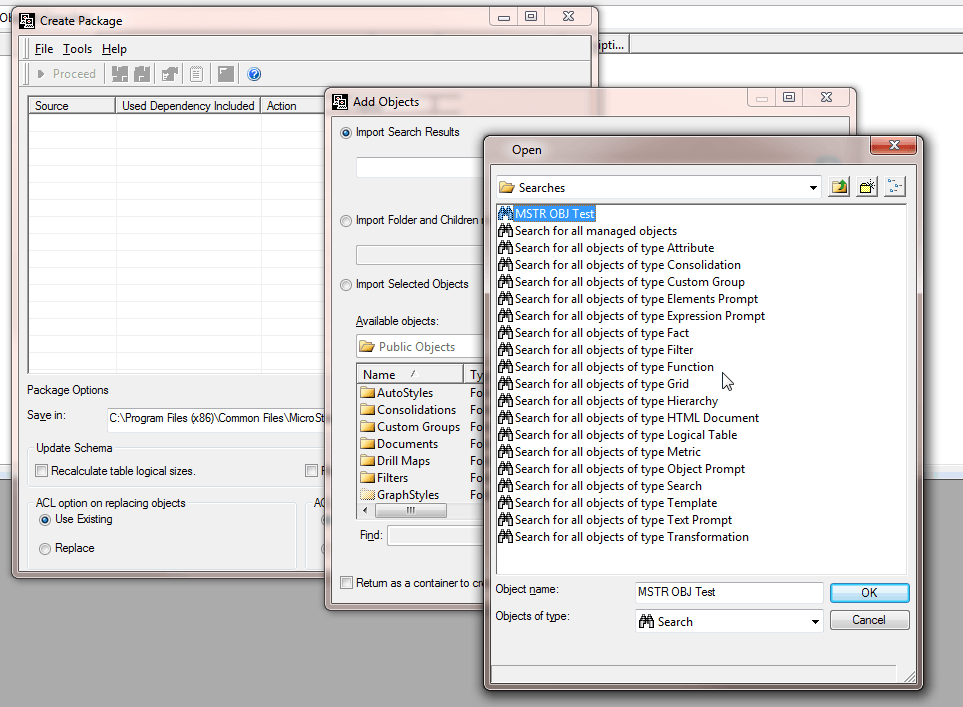
Freeform SQL Report will not be seen.
Cause:
This issue has been classified as a defect in Strategy Object Manager 9.4.1.
Action:
This issue has been addressed in Strategy version 10.x and above.
Workaround:
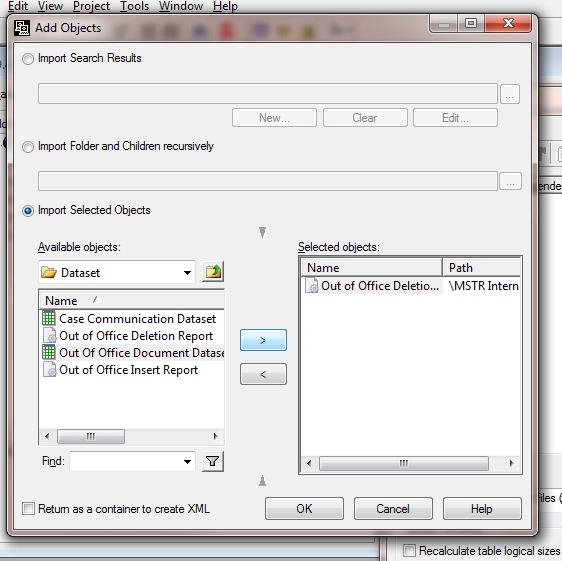
Currently the only work around is to add the object manually to the package.
Additional Troubleshooting:
If the following action does not resolve the issue, please consider calling Strategy Technical Support with following information:
To Learn More:
For more information regarding Object Manager, please see the System Administration Guide.
KB204046
