SYMPTOM:
In Strategy Web 9.4.1 HF5, Visual Insight, an ESRI map with areas visualization displays an empty map, like shown below.
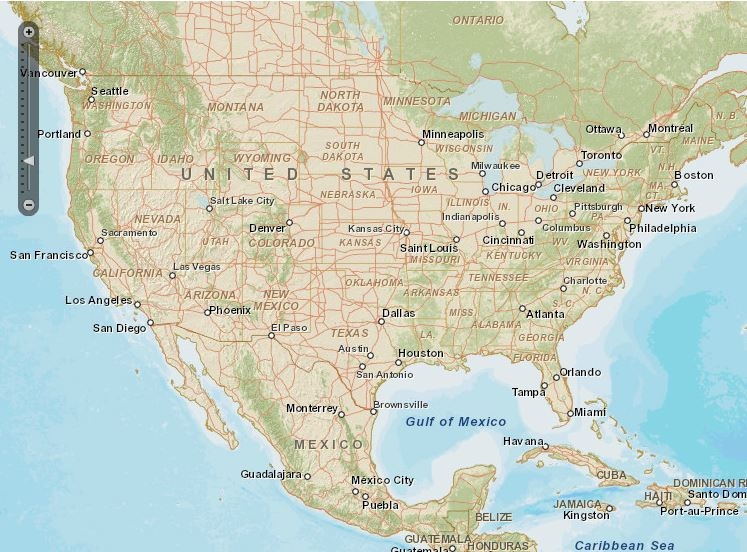
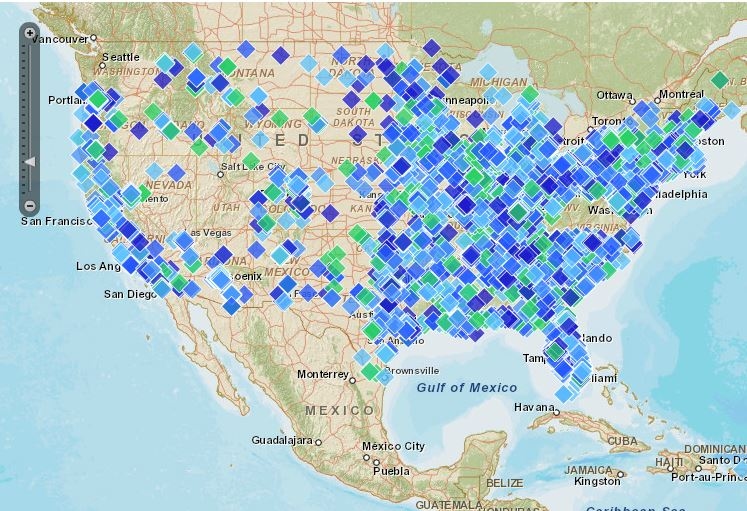
The “Show Properties” option is not available. However, an ESRI map with markers renders the data points correctly confirming that the data is available and the map is configured correctly, like shown below.
STEPS TO REPRODUCE:
In Strategy Tutorial:
CAUSE:
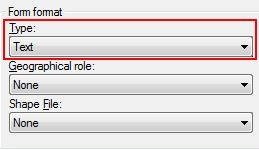
This issue occurs when the Form Format of the attribute is incompatible with the data type of the geographical attribute. In the example above, when using Zip Code information, the format type set to Text will not match the data type of numbers.
ACTION:
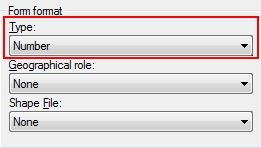
Change the Form Format of the geographical attribute to match the data type of the geo role. For example, Zip Code requires the Form Format to be “Number”, like shown below.