SYMPTOM:
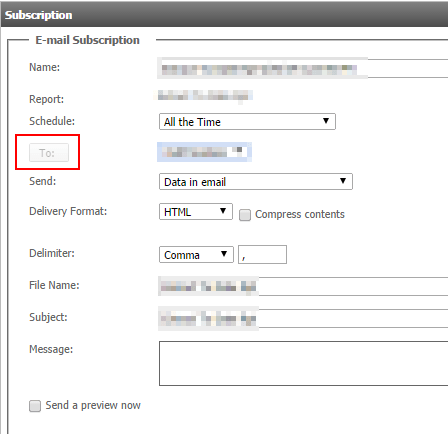
When attempting to add an email subscription to a report or document in Strategy Web, the "To" button is grayed out, as shown below:
CAUSE:
One cause for this issue could be that the user has "Dynamic HTML" disabled under the General Section of the Strategy Web preferences in Strategy Web.
ACTION:
Go to the Strategy Web Preferences > General, and enable "Dynamic HTML" by selecting "Determine automatically" from the dropdown, as shown below:

