STEPS TO REPRODUCE:
1. Login to Strategy Analytics Modules project source as “Administrator”.
2. In Administration -> User Manager, edit Administrator and check the “user cannot use standard authentication to logon” under Authentication -> Metadata.
3. Error message “You are not allowed to change this protected property on the Administrator user” displays when clicking OK to save the change.
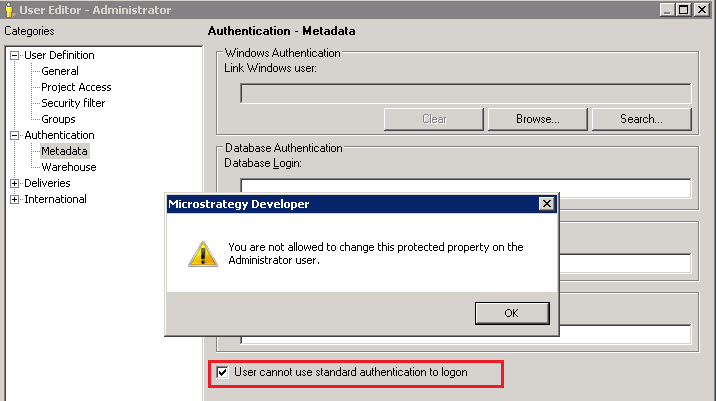
You are not allowed to change this protected property on the Administrator user.
CAUSE:
It is a by-designed behavior. After Administrator unchecked the “user cannot use standard authentication”, the current session will end so Administrator needs to logon with other mode such as LDAP or window authentication. But Administrator will not be able to use standard login again. This restriction is to protect the system in case some operations causing user being unable to use other authentication modes.
ACTION:
There is no action required as this is working as designed.
