SYMPTOM:
In Strategy Mobile 9.4.1 for iPad, users can setup a transaction services document to read a barcode, using the barcode scanner input, then to submit the value scanned to the database.
However, in Strategy Mobile 9.4.1 iOS Update 3, the barcode scanner input will not update the value of the textbox with that of the scanned barcode when the document is in Full Screen Mode.
For example, the default value of a barcode input is set to 100,000, as shown below.
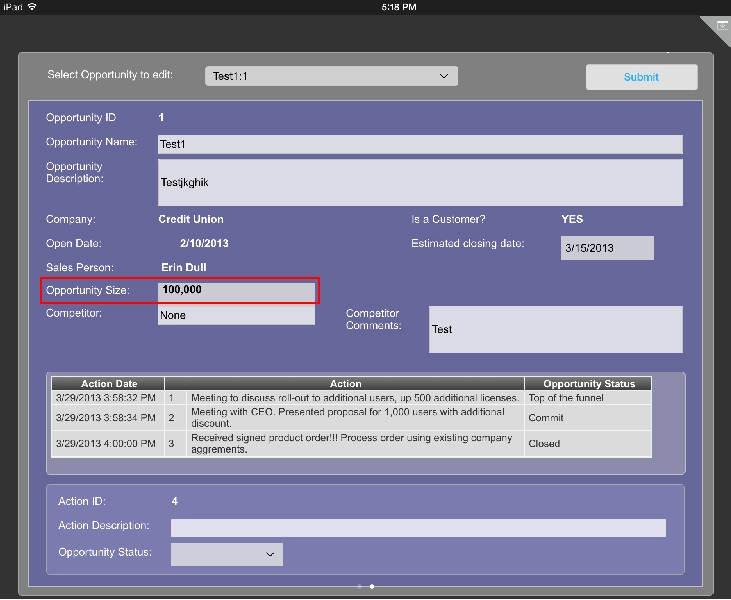
Selecting on the textbox with the transaction brings up the barcode scanner, which then scans the barcode, such as the one below.
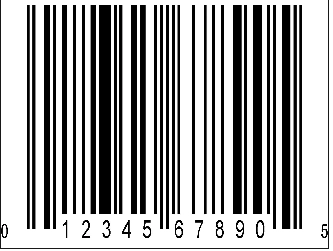
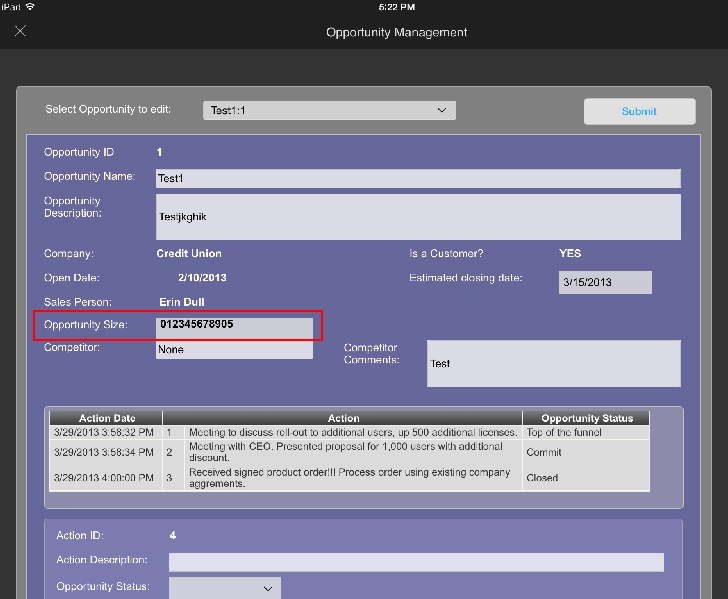
After scanning the barcode, the value in the textbox remains the same in the textbox. However, when the document is run without Full Screen mode, the value from the scanned barcode updates the value in the textbox, like shown below.
STEPS TO REPRODUCE:
CAUSE:
This is a known issue with the barcode input style for a document in Full Screen mode in Strategy Mobile 9.4.1 iOS Update 3 for iPad.
ACTION:
This issue has been addressed in Strategy Mobile 9.4.1 iOS Update 4 for iPad. Upgrade to this version to take advantage of the fix.
KB205446
