SUMMARY:
This document shows how to specify the order of the objects that appear in the prompt list in Strategy Developer and Web 9.x. This document provides steps and video information on how our current designed behavior looks like. There are two workarounds provided.
QUESTION:
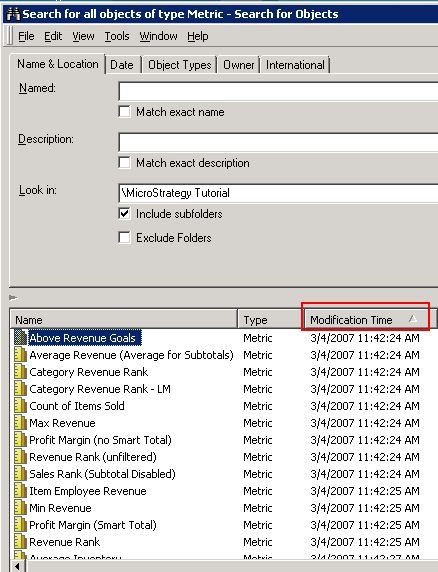
Is it possible to control the order of the objects appears in Object Prompt list? It seems that the option to sort by different columns is available in the Search window where the Search result is displayed. For example, all metrics are searched and the result is sorted by modification Time:
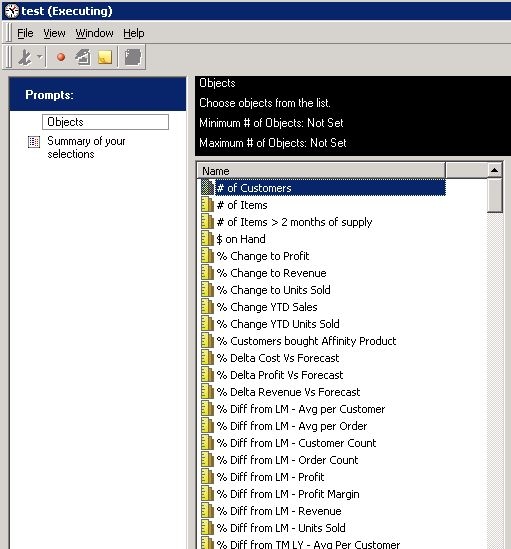
But when an object prompt is defined with this Search result, the list of metrics appears in alphabetic order.
ANSWER:
While Search result can be displayed by different columns, it is not saved as a part of the Search object definition. When the Search object is closed and re-opened, the object list appears as sorted by "Name" field.
VIDEO:
A video with how the steps above can be seen in Strategy Architect can be seen blow:
WORKAROUND 1:
Manually define the list of objects. The order appears as you specified.

WORKAROUND 2:
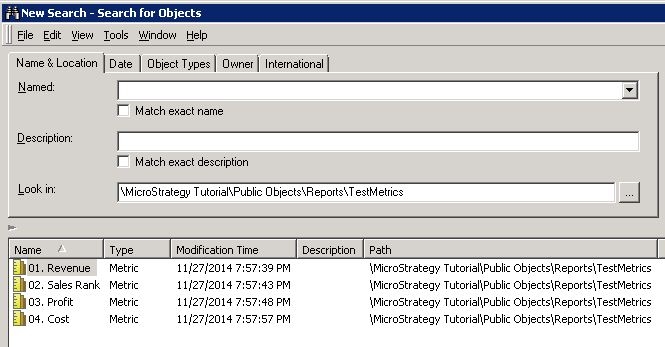
Rename objects with numbers prior to the object names: