SYMPTOM:
When removing a lookup table from an attribute form via the Attribute Editor in Strategy Developer, the following message appears after clicking OK:
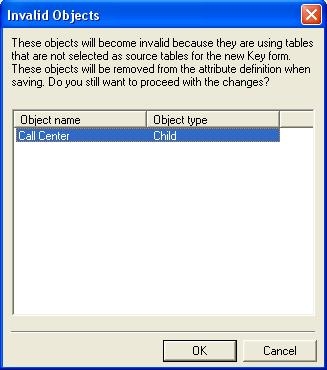
Invalid Objects - These objects will become invalid because they are using tables that are not selected as source tables for the new key form. These objects will be removed from the attribute definition when saving. Do you still want to proceed with the changes?
CAUSE:
This message comes up because the lookup table that is being removed is also the relationship table which joins this attribute with its child or parent attribute. Thus, that child or parent attribute will become invalid in this object definition because it is using a lookup that is not selected as the source table and the message explains this fact.
ACTION:
To avoid this message, remove the child / parent relationship or change the relationship table to any other source table, before removing the lookup table from the attribute form definition.
