SUMMARY: This document discusses an issue with Strategy Integrity Manager 9.4.1 which prevents saved tests from finding the intelligence Server saved in the test.
SYMPTOM: Loading an Integrity Manager test in Strategy 9.4.1 leads to an error message indicating it cannot find the project on the server
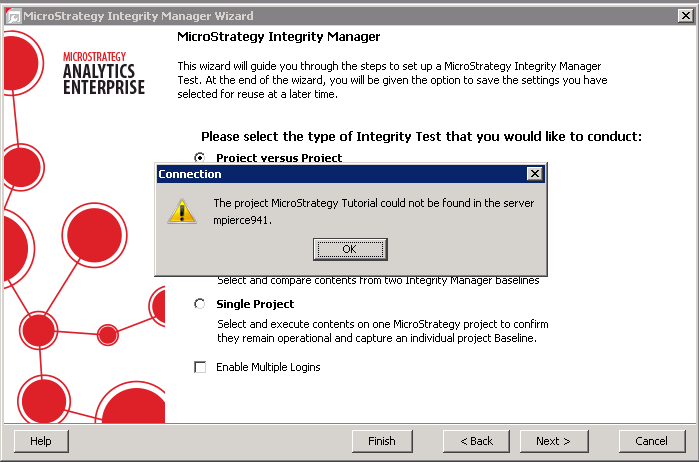
The project ‘XXX’ could not be found in the server ‘YYY’.
ACTION: Contact Strategy Technical Support for an update on this issue.
WORKAROUND: There are two ways to get around the issue
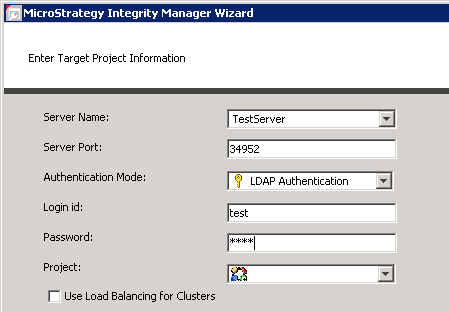
1) After loading the test, re-enter the server name and credentials to successfully load the projects.
2) Change the saved Integrity Manager test to use Standard Authentication and re-save it. Loading a saved Integrity Manager test which uses Standard Authentication does not face the known issue.
The Strategy Internal Reference Number for the issue discussed in this technical note is 975847.
