INTRODUCTION
Subscriptions allow report and document requests to be executed according to a schedule specified by the administrator. This reduces the load on the system in two ways:
There are two ways to schedule reports and documents:
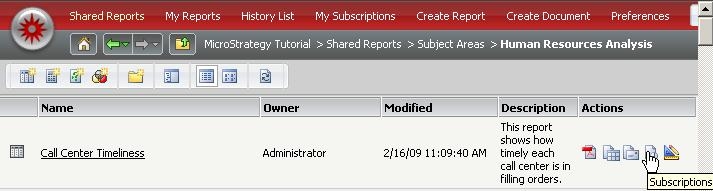
Subscriptions can be created via Strategy Developer and Strategy Web. The steps for creating a subscription in Strategy Web are as simple as going to the reports page and selecting "Add Subscription" as seen below:
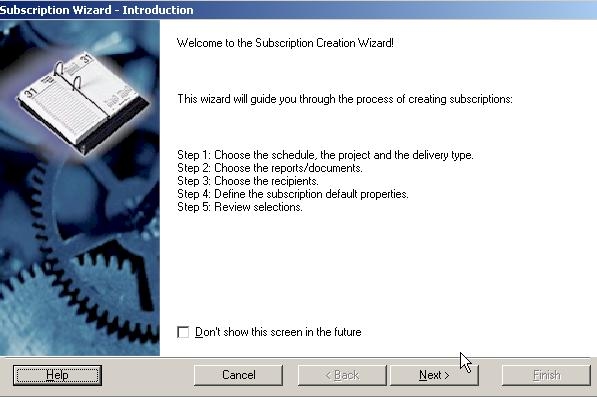
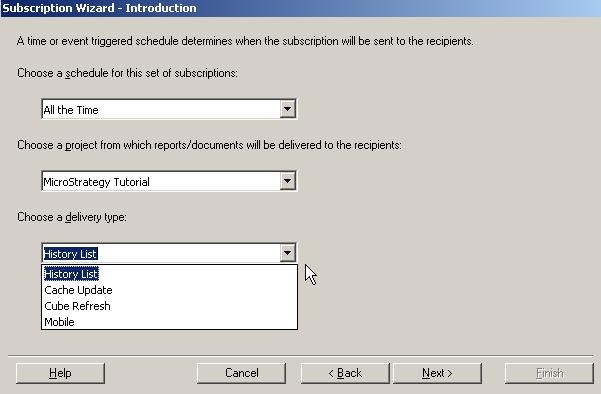
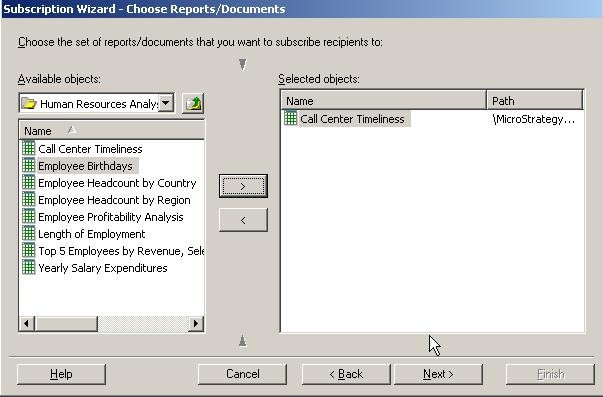
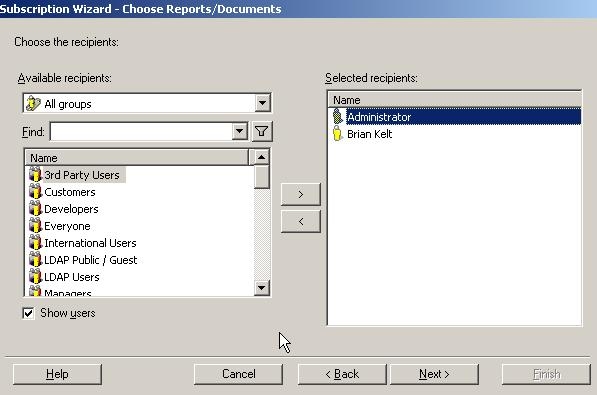
Steps for creating subscriptions in Strategy Developer are more detailed as described below:
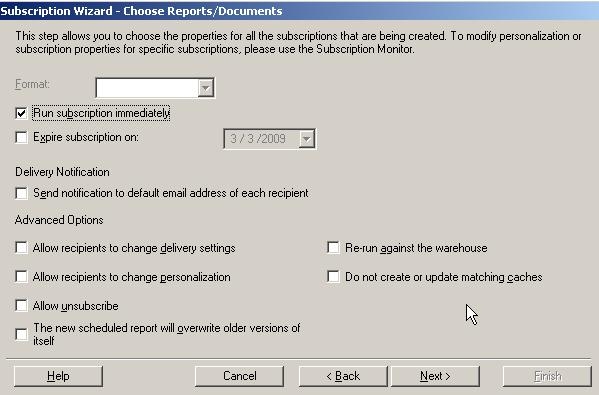
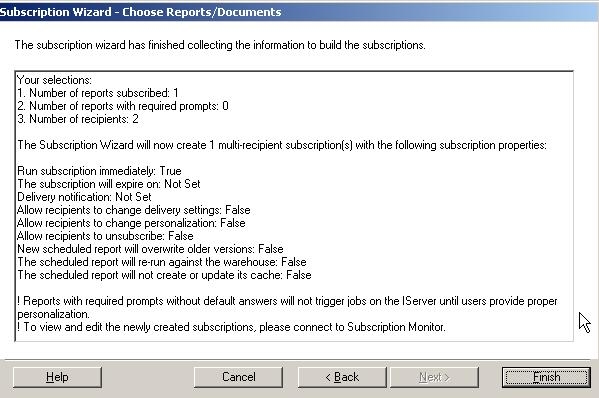
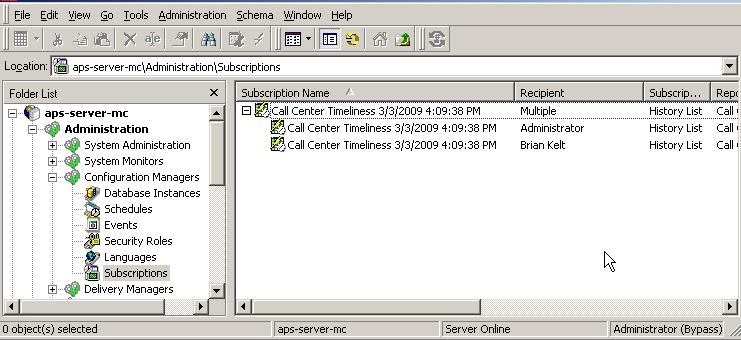
To schedule reports and documents in Strategy Developer using Subscription Creation Wizard
Subscription Creation Wizard can be accessed via the Administration Menu ->Scheduling or by right mouse clicking on Subscription under Configuration Managers as seen below: