SYMPTOM:
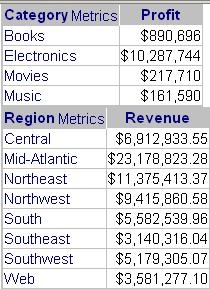
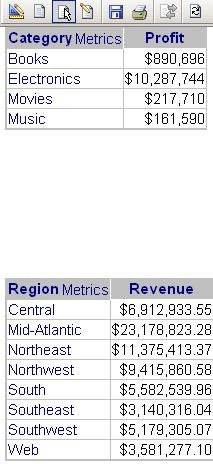
In Strategy Web and Desktop 9.x, users may notice that there is a large blank section reserved for the Detail section of a report service document when the only data displayed is contained within the Detail Header and Detail Footer sections. It is possible to shrink/hide the Detail section if no data is meant to be displayed within it.
STEPS TO REPRODUCE:
Use the following steps to reproduce this issue in Strategy Desktop or Web 9.x under the Strategy Tutorial project:
CAUSE:
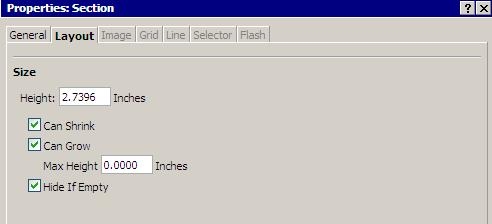
The Detail Footer and Detail Header sections need to be set to 'Can Shrink' via properties, and the Detail section needs to be set to 'Hide if Empty'.
ACTION: