SYMPTOM:
Reports and Dashboards no longer display one of the two attributes that have been linked together in a VI Dashboard from cubes that are used as datasets. KB45885 describes how the link definition is redefined through overwriting.
STEPS TO REPRODUCE:
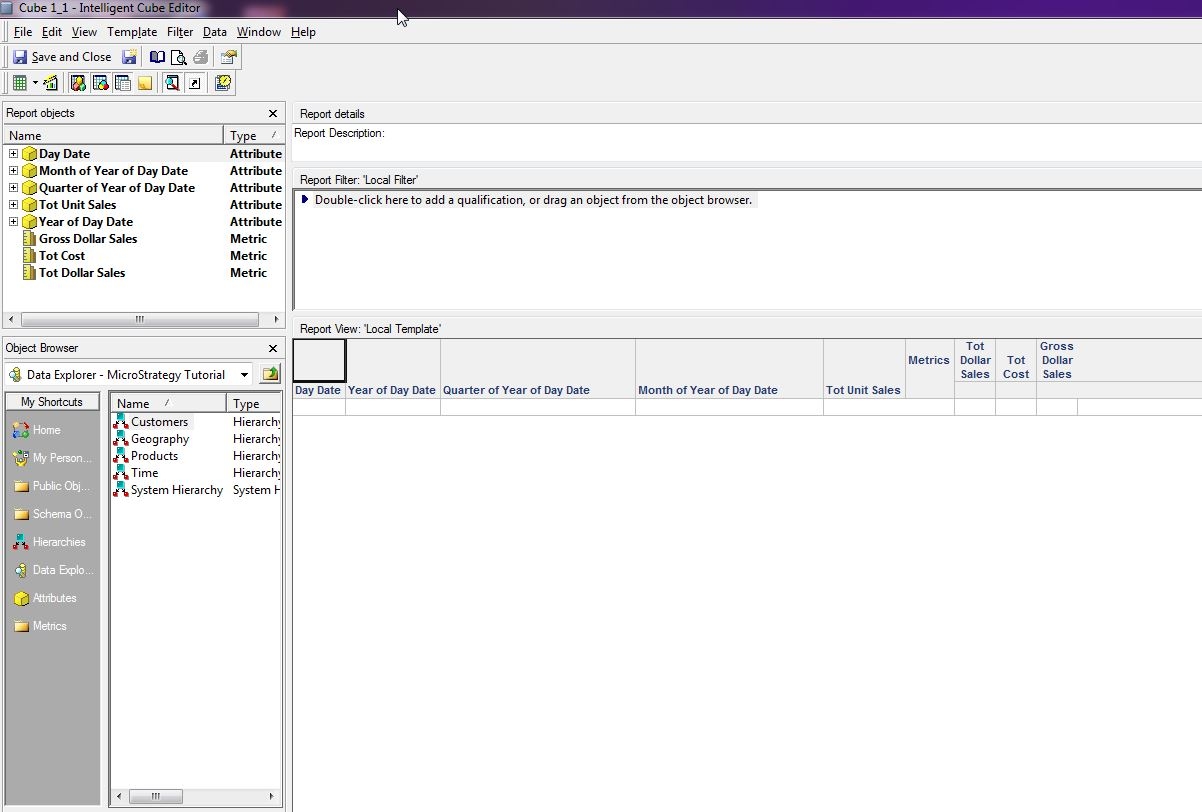
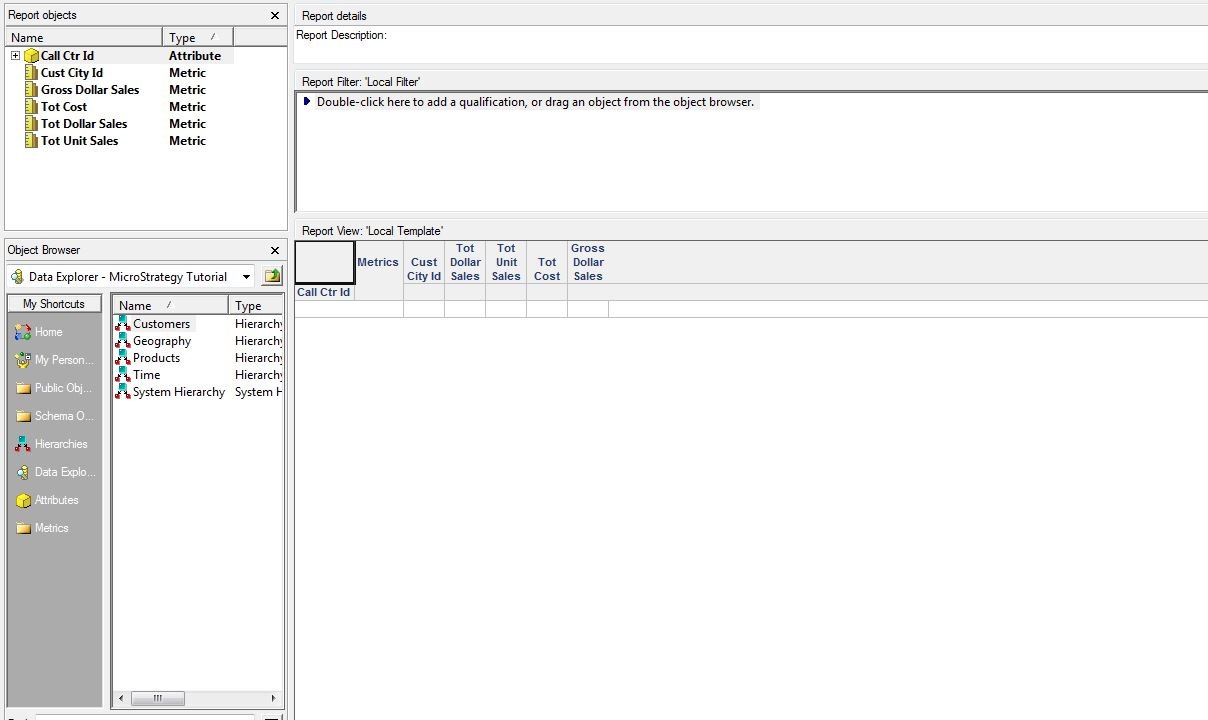

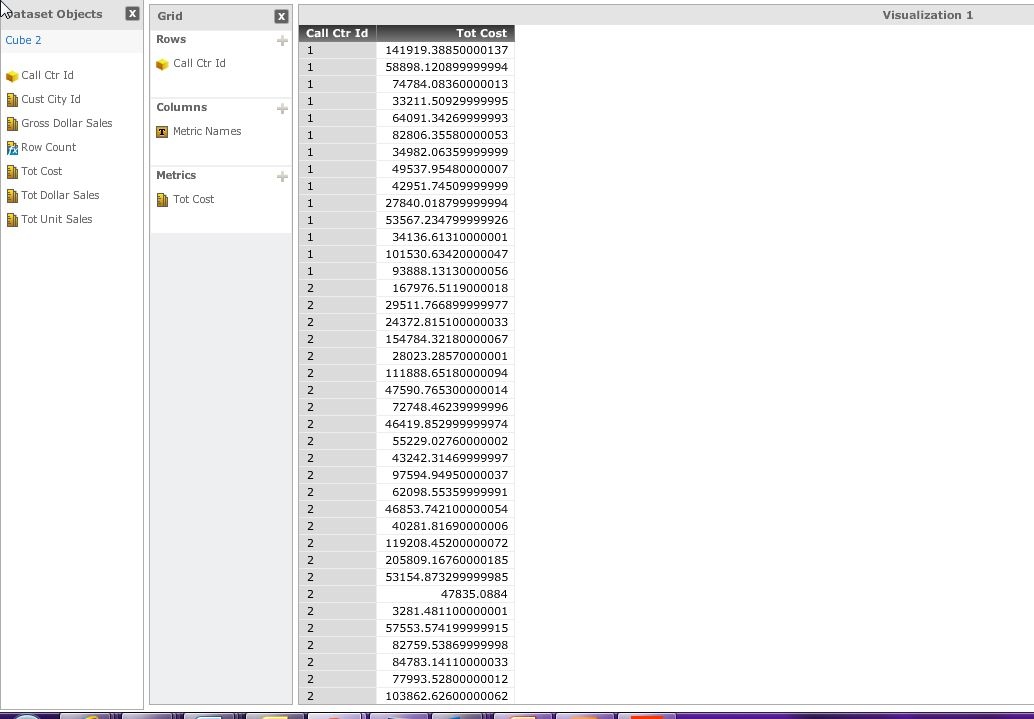

CAUSE:
When the two attributes are linked, one attribute is replaced by the other on the cube object itself. However this replacement only happens on the cube. The reports/dashboards that refer to the attribute that is no longer in use do not have their references updated. This leaves an invalid reference to an attribute not present on the source cube which is then removed leaving the reports/dashboards without an attribute.
ACTION:
Currently this issue is still being reviewed for feasibility by our Technology team and it is not scoped for any upcoming scheduled Strategy release.
WORKAROUND:
There are steps that can be taken to prevent the issue from happening in the first place by changing the workflow. This involves ensuring that all tasks that involve remapping the attributes are done before any report/dashboard creation is done. Once all VI cubes have their attributes linked that are appropriate then report/dashboard creation can be done without issue. New cubes created after this should be fine as long as they are mapped to the existing cubes before they are used in reports/dashboards.
If the issue has already happened then the only option is to manually re-add the attribute back to the missing dashboards and reports.
