SUMARRY:
This issue has been classified as a defect by Strategy. The impact is limited to Strategy Web 9.3.x product only with documents using at least one nested prompt with a link to another document. A couple of workarounds are available in the current document. A solution/code fix for this issue is available with Strategy 9.4.1.
SYMPTOM:
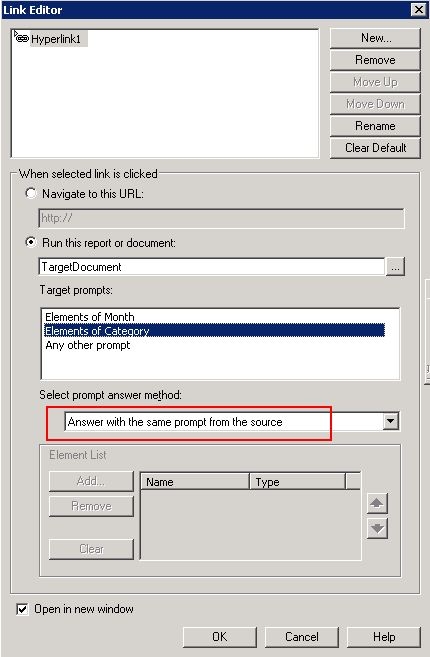
When a document defined with at least one nested prompt and a link to another document with prompt answer to be carried on, incorrect document result may come back when there is a dataset cache already existing. The link can be defined with either of following:
STEPS TO REPRODUCE:
Issue reproduced with Strategy Tutorial Project
1. Create a nested prompt with Category, Subcategory, Item. (Prompt1)
2. Create a dataset with Category attribute and Prompt1. Create a document with this dataset. (Doc1)
3. Create an element prompt with Month attribute. (Prompt2)
4. Create another dataset with Category and Month attributes plus Prompt1 and Prompt2. Create a new document with this dataset. (Doc2)
5. In Doc1, add a text filed and define it as a link Doc2 using URL API like this:
Main.aspx?evt=2048001&src=Main.aspx.2048001&visMode=0¤tViewMedia=2&documentID=[DOCUMENTID]&promptsAnswerXML={&PROMPTXML}
6. Execute Doc1 and select Prompt answer. For example, "Music" for Category, "Horror, Kids/Family" for Subcategory, "Scream2, The Omen" for Item.
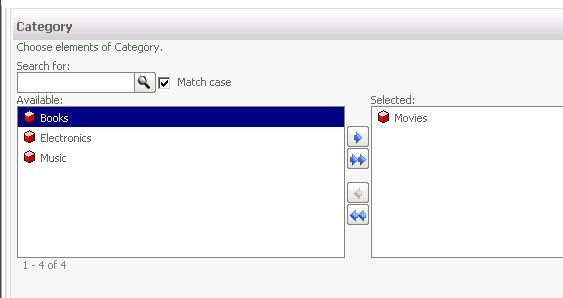
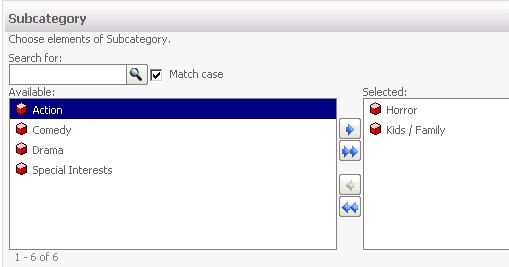
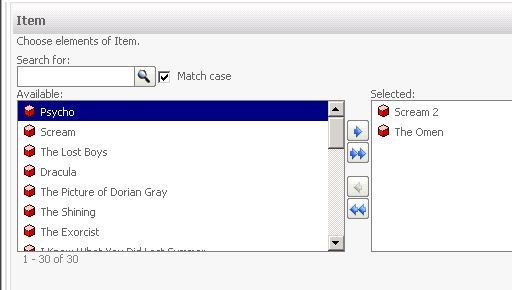
7. Confirm Doc1 executed. Then, click the link to Doc2.
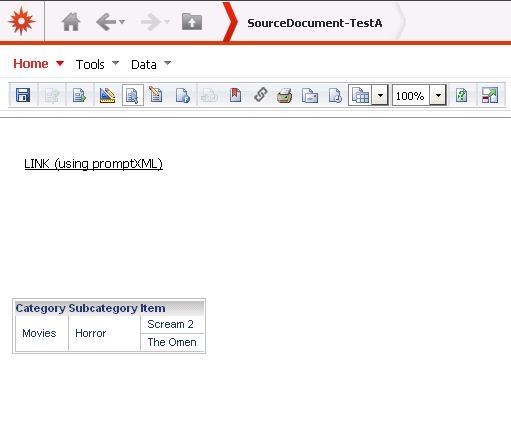
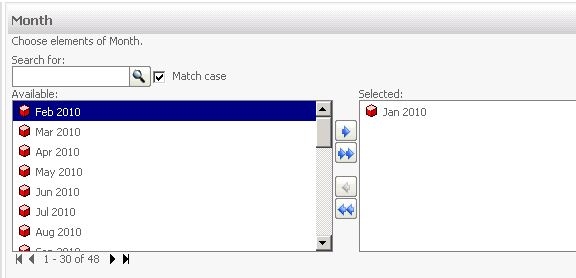
8. Answer the prompt for Month (Month=Jan).
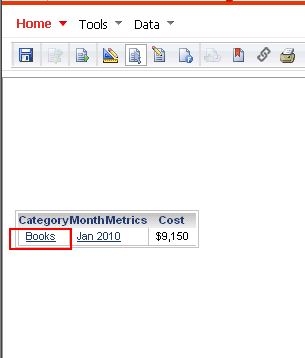
9. Notice that Doc executed with "Book" as Category element selected in the grid.
VIDEO:
A video of the above steps can be followed here:
CAUSE:
This has been clasified as a defect in Strategy Web 9.3.x. When there is a dataset cache with the same prompt answer for the one existing only in the Target document, the target document gets executed with the dataset cache even though the prompt answers to the common prompts -- in this case, Category, Subcategory, Item -- do not match.
ACTION:
This issue has been addressed with Strategy 9.4.1. Upgrade to this version to take advantage of the fix.
WORKAROUND:
Disable the dataset cache to avoid incorrect caches to be hit.
213018
