EducationSoftwareStrategy.com
StrategyCommunity

Knowledge Base

Product

Community

Knowledge Base

TopicsBrowse ArticlesDeveloper Zone

Product

Download SoftwareProduct DocumentationSecurity Hub

Education

Tutorial VideosSolution GalleryEducation courses

Community

GuidelinesGrandmastersEvents
x_social-icon_white.svglinkedin_social-icon_white.svg
Strategy logoCommunity

© Strategy Inc. All Rights Reserved.

LegalTerms of UsePrivacy Policy
  1. Home
  2. Topics

KB217838: Multimedia Widget is truncated and cannot be scrolled in landscape view on iPhone in MicroStrategy Mobile 9.4.1 Update 4.


Community Admin

• Strategy


This Knowledge Base article describes a known issue that multimedia Widget is truncated and cannot be scrolled in landscape view on iPhone in MicroStrategy Mobile 9.4.1 Update 4. This issue has been addressed in MicroStrategy Mobile 10 application for iOS. Upgrade to this release to take advantage of the fix.

SYMPTOM:
On iPhone, when running multimedia widget document in landscape view, widget with more than one column will be truncated and cannot be scrolled.

ka04W000000ObboQAC_0EM440000002A1k.jpeg

STEPS TO REPRODUCE:
1. Create a multimedia widget document.
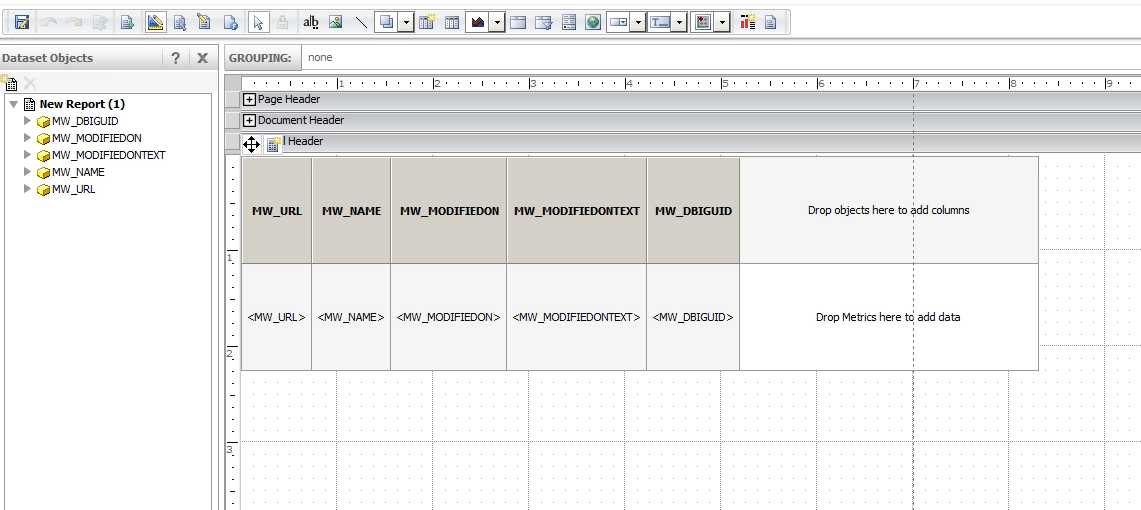
ka04W000000ObboQAC_0EM440000002A1h.jpeg

2. Disable full screen on iPhone.        

ka04W000000ObboQAC_0EM440000002A1p.jpeg

3. Make the widget wide enough to display as 2 columns.
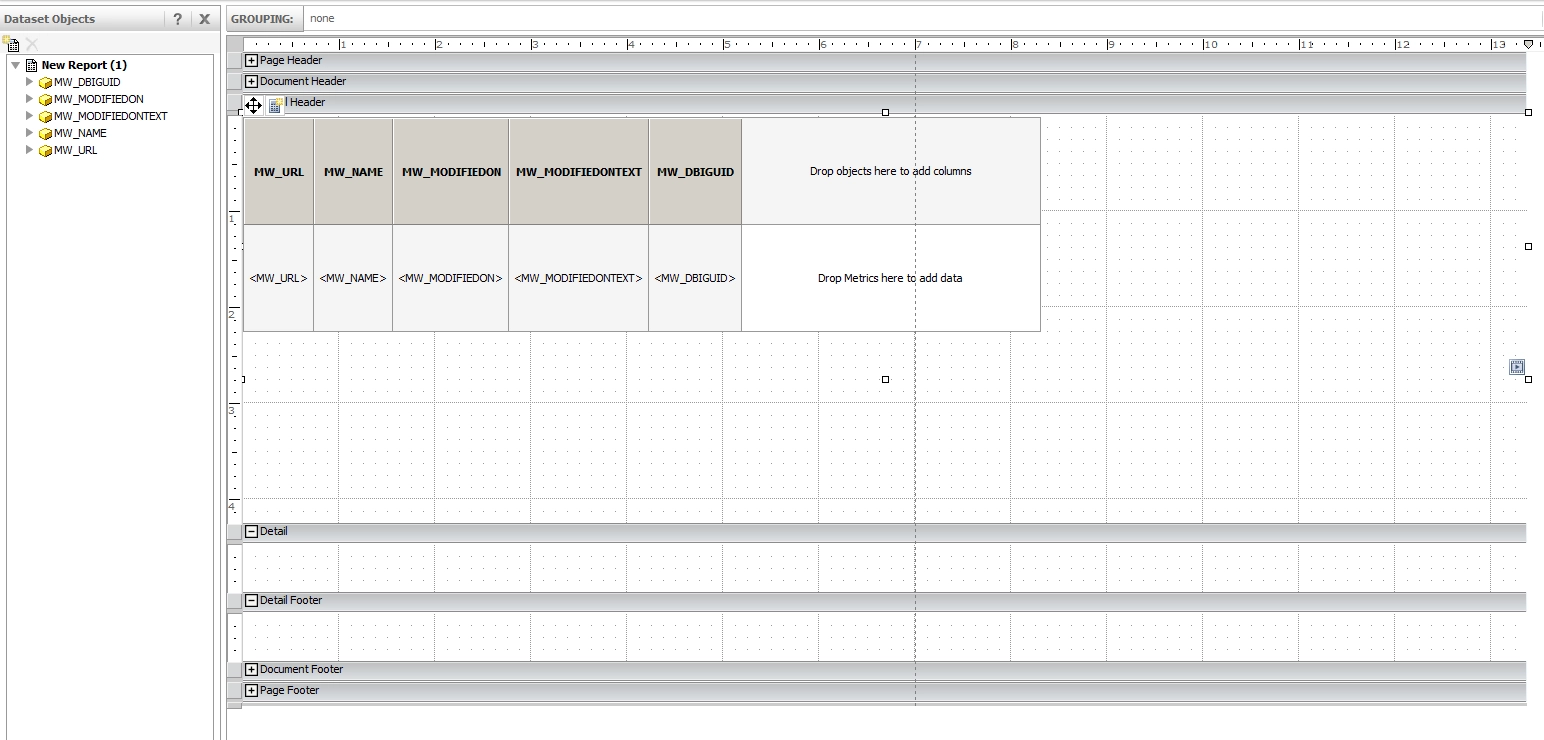
ka04W000000ObboQAC_0EM440000002A1m.jpeg

4. Run on iPhone. See the widget is truncated and user is not able to scroll.
CAUSE:
This is a known issue of Strategy Mobile 9.4.1.
 
ACTION:
This issue has been addressed in Strategy Mobile 10 application for iOS. Upgrade to this release to take advantage of the fix.
The Strategy Internal Reference Number for the issue discussed in this technical note is 994602.


Comment

0 comments

Details

Knowledge Article

Published:

May 26, 2017

Last Updated:

May 26, 2017