Strategy Web 9.4.1 developers can use the Send Now functionality to immediately distribute a document using several channels by clicking on the button below:

This button will expose the Send Now page where users can pick the channel, format and other configurations for this delivery as shown below:
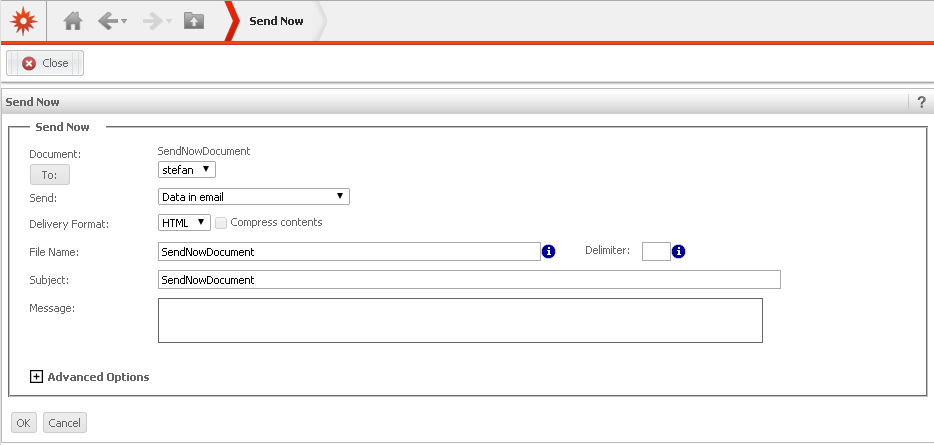
Strategy Web 9.4.1 developers can build a URL API link to access this page as described below.
To build the URL API link to access the Send Now page for a Report Services Document the following parameters with the following values are required:
Main.aspx?
evt=3037
&objectType=55
&objectSubType=14081
&messageID={&DOCUMENTMESSAGEID}&objectID=XXXXXXXXXXX
In an ASP environment the URL API will look similar to the following:
For scenario 1 using message ID:
Main.aspx?
evt=3037
&objectType=55
&objectSubType=14081
&messageID={&DOCUMENTMESSAGEID}Main.aspx? evt=3037 &objectType=55 &objectSubType=14081 &objectID=90760F0547C774CF0E45D8AC15FC8849
mstrWeb?
evt=3037
&objectType=55
&objectSubType=14081
&messageID={&DOCUMENTMESSAGEID}mstrWeb? evt=3037 &objectType=55 &objectSubType=14081 &objectID=90760F0547C774CF0E45D8AC15FC8849
