SUMMARY:
This issue has been classified as a defect by Strategy. The impact is limited to Strategy Web 9.4.1 Hotfix 4 product only using Image Layout widget in a Report Services Document that is run in Express mode in Internet Explorer 8. There are workarounds available for this issue. The issue is under investigation by the Strategy Technology team for a potential code fix in a future release.
SYMPTOM:
A user runs a document with Image Layout widget in Express mode that has a particular U.S. state as a default selection on the map. Caching is disabled on a report and document levels. Then user selects a different state and navigates from the document using Edit Links to another one and then back to original one and notices that the Image Layout widget does not display the default state. Since the caching is disabled it is expected that document will be re-run and display the default state on the Image Layout map. The issue occurs in Strategy Web 9.4.1 Hotfix 4 in Express mode in Internet Explorer 8.
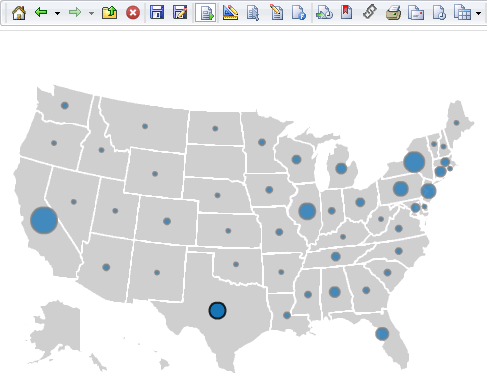
Image below shows Texas as a default selection:
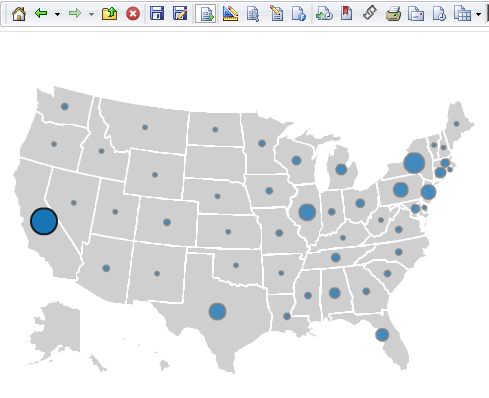
After selecting California (as example), navigating to another document then back to the document with Image Layout, instead of Texas state, California is displayed:
STEPS TO REPRODUCE:
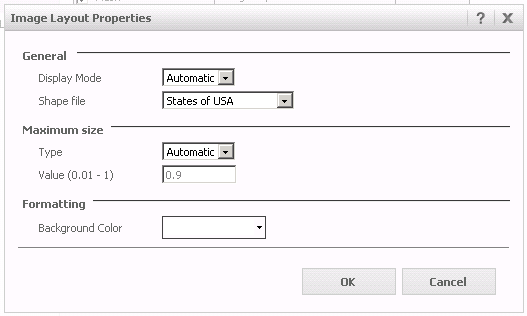
4. Using the created report as a dataset, create a Report Services document. Add an Image Layout widget to the document and configure it to display 'States of USA' as shown below:
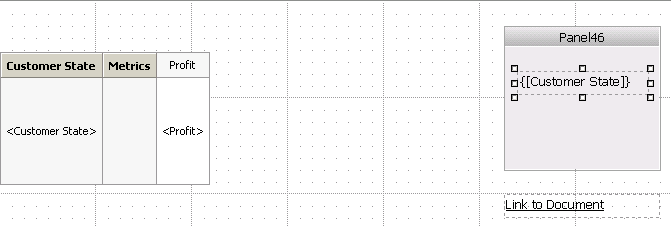
5. Insert a panel stack, add a Customer State dynamic textbox and another textbox below that will be used as a link to another document. Customer State targets the panel stack:
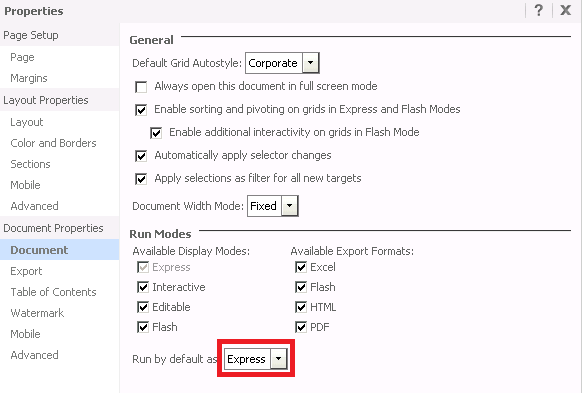
6. Open Document Properties and select Express as a default mode:
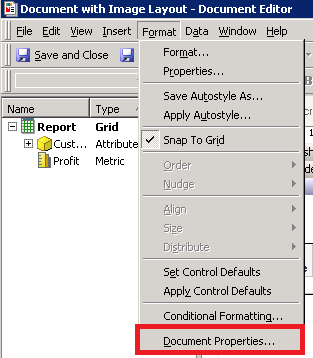
7. In Developer open the document in design mode, under Format select Document Properties:
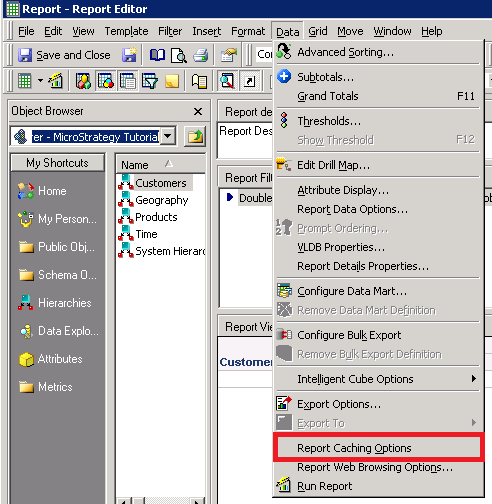
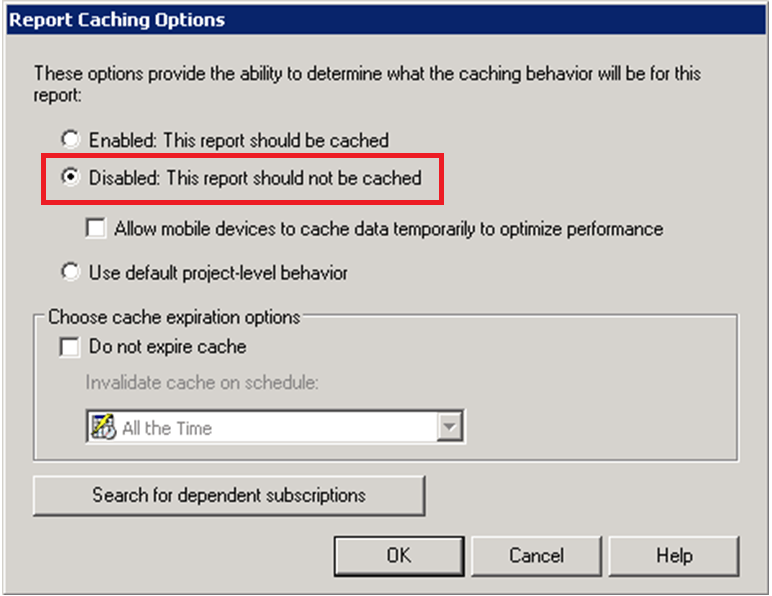
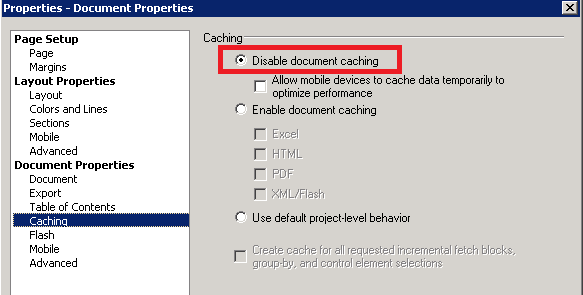
8. Disable caching and save changes:
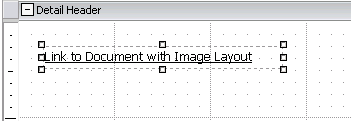
9. Create another document and place textbox that will be used as a link to the document with Image Layout
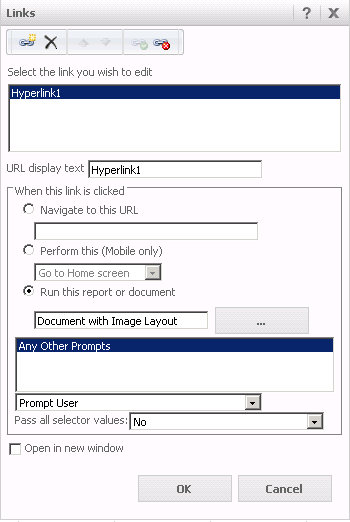
10. Configure Edit Links to run the document with Image Layout:
11. Run the document in Internet Explorer 8.
12. Select Texas on Image Layout and save the document. Now Texas is a default selection on the map.
13. Now select different state, California as example.
14. Click on “Link to Document”. When the document opens, click on “Link to document with Image Layout”.
15. After the first “round” issue is not observed.
16. Navigate to another document and come back to the first one.
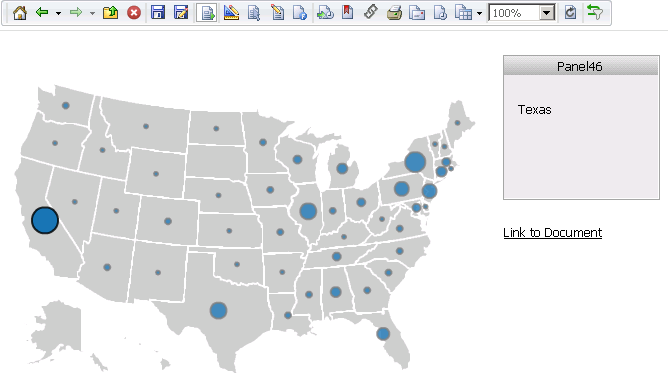
17. Notice that on the panel stack dynamic text displays Texas as expected; however, on the Image Layout California is displayed:
CAUSE:
It appears to specifically affect the Report Services Documents with Image Layout widget in Internet Explorer 8 in Strategy Web 9.4.1 Hotfix 4. This has been classified as a defect.
ACTION:
Currently this issue is still being reviewed for feasibility by our Technology team and it is not scoped for any upcoming scheduled Strategy release. It is strongly encouraged that you post your questions on the community forum for any community based workarounds.
WORKAROUND:
2. The Issue does not occur in Interactive and Flash modes. Even after several attempts to navigate between the documents, selecting different states, map always displays default state selection on the Image Layout.
ADDITIONAL TROUBLESHOOTING:
If the steps above do not resolve the issue, please consider calling Strategy tech support with the following information of troubleshooting already done:
The Strategy Internal Reference Number for the issue discussed in this technical note is 982378
