SUMMARY:
This issue has been classified as an Enhancement Request by Strategy. The impact is limited to searches for dependents on function objects in Strategy Developer 9.x. There are no known workarounds for this issue. A solution is not available in current releases but is being reviewed for a future Strategy release.
SYMPTOM:
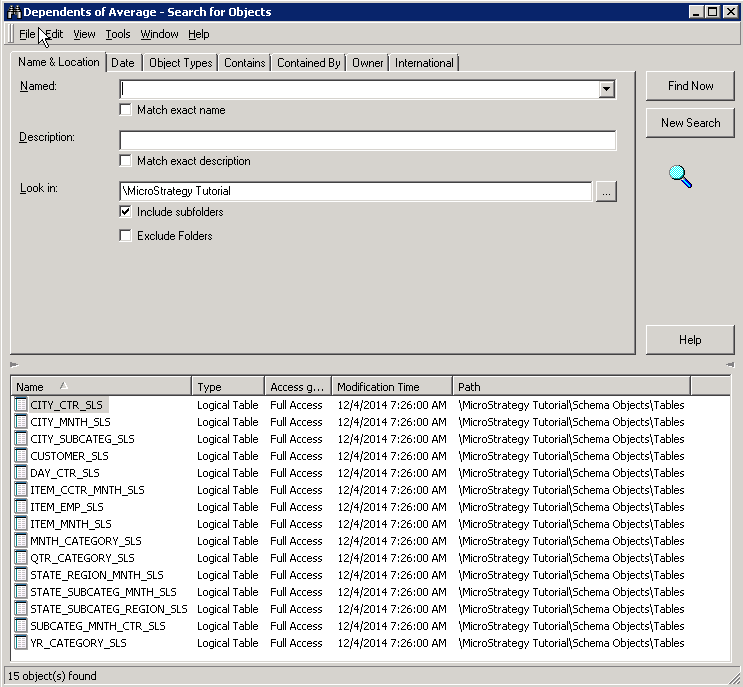
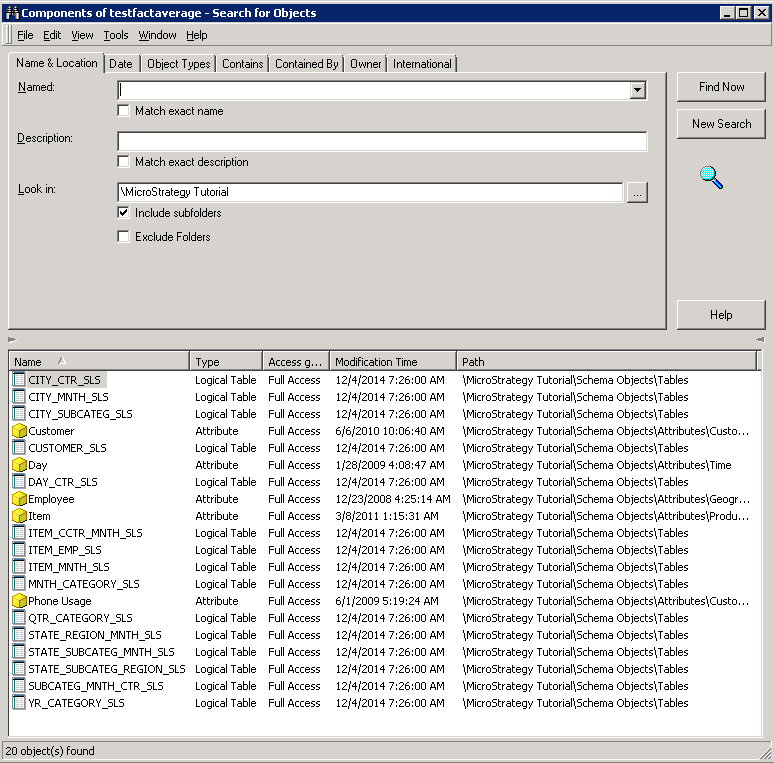
In Developer when a user does a search for dependents of a function, facts that use this function in their definition are not returned. The converse is also true; when a user does a search for components of a fact that contains a function in its definition, the search does not return the function.
Searches for dependents of functions may return logical tables, attributes, metrics, and other objects, but will never return facts. When the "search for objects recursively" option is enabled, fact objects may be found but they will not be limited to facts that are actually defined by the particular function. It is not possible to retrieve a list of all facts that contain a particular function in their definitions using a dependency search.
STEPS TO REPRODUCE:
CAUSE:
This is working by design in Strategy 9.x. The expression of a fact is stored on the logical table object that contains this fact. Thus, the dependent of the function would be a logical table rather than the fact itself. Similarly, a fact is expression is a component of a fact which is stored on the logical table, so the function is not a direct component of the fact.
ACTION:
This issue has been logged as an Enhancement Request. The issue is being reviewed for feasibility by our Technology team and it is not scoped for any upcoming scheduled Strategy release.
WORKAROUND:
There are no known workarounds at this time. Searching for dependents of a function recursively will return all facts that contain the function in their expression, but it will generally return many additional facts that do not contain the function.
The Strategy internal reference number for this case is 997361.
