EducationSoftwareStrategy.com
StrategyCommunity

Knowledge Base

Product

Community

Knowledge Base

TopicsBrowse ArticlesDeveloper Zone

Product

Download SoftwareProduct DocumentationSecurity Hub

Education

Tutorial VideosSolution GalleryEducation courses

Community

GuidelinesGrandmastersEvents
x_social-icon_white.svglinkedin_social-icon_white.svg
Strategy logoCommunity

© Strategy Inc. All Rights Reserved.

LegalTerms of UsePrivacy Policy
  1. Home
  2. Topics

KB218564: Image set as Picture type attribute form is not re-sizable according to the size of report grid in MicroStrategy Web


Community Admin

• Strategy


Image set as Picture type attribute form is not re-sizable according to the size of report grid in MicroStrategy Web

SYMPTOM:
In Strategy Web, image set as "Picture" type attribute form dose not auto fit to the size of report grid in Strategy Web. It displays as the original image size.
 
STEPS TO REPRODUCE
Follow below steps to reproduce with Strategy Tutorial project:
  • Follow KB14226 to create an Picture type attribute form used to display an image.
  • Use this attribute in a grid report.
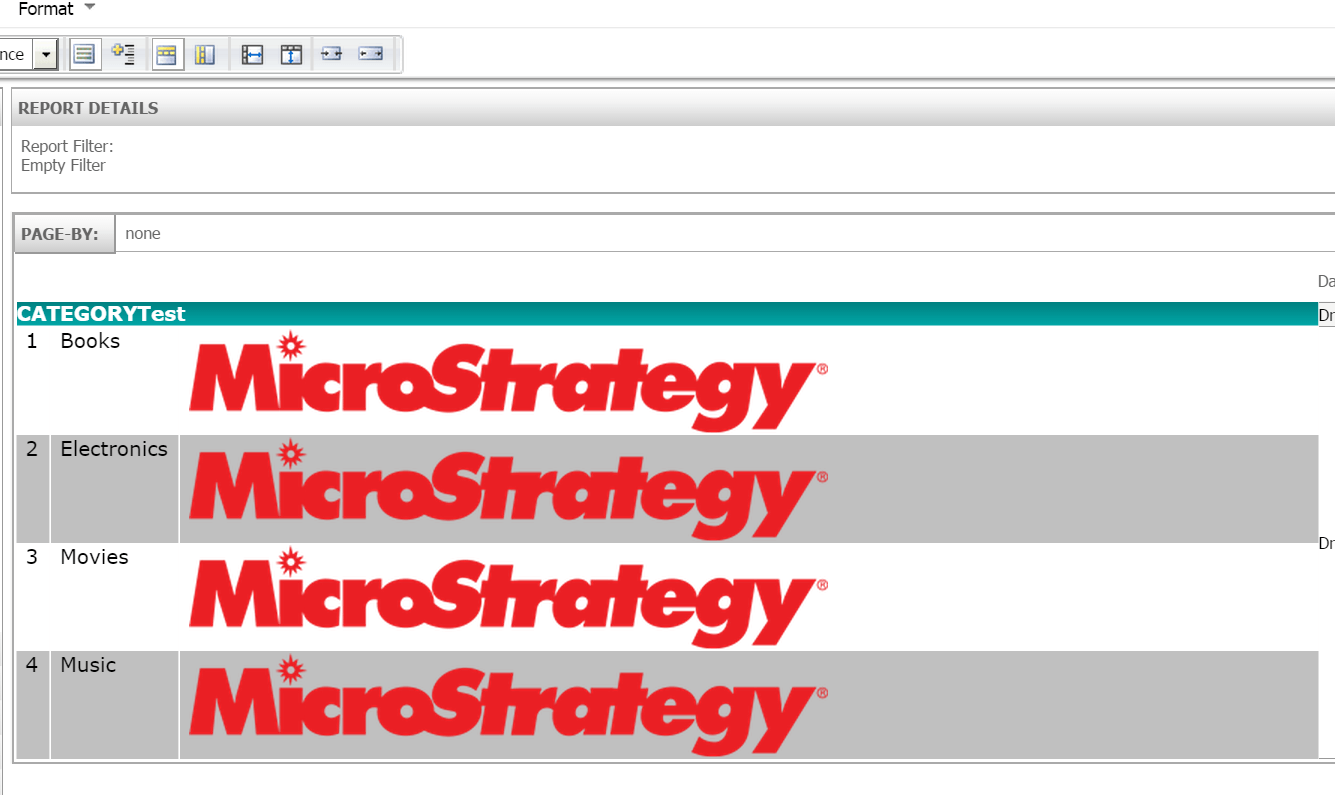
  • Run report in Strategy Web, note that the image display using it's original size, which as a result expand the grid size, as shown below:
ka04W000000ObajQAC_0EM4400000025ng.jpeg
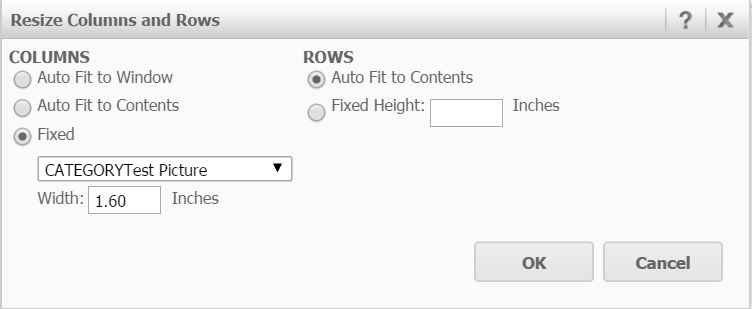
  • Use handler to drag the grid cell or choose "Format--Resize columns and Rows" to change the size of grid cell, as shown below:
ka04W000000ObajQAC_0EM4400000025nm.jpeg
ka04W000000ObajQAC_0EM4400000025ne.jpeg
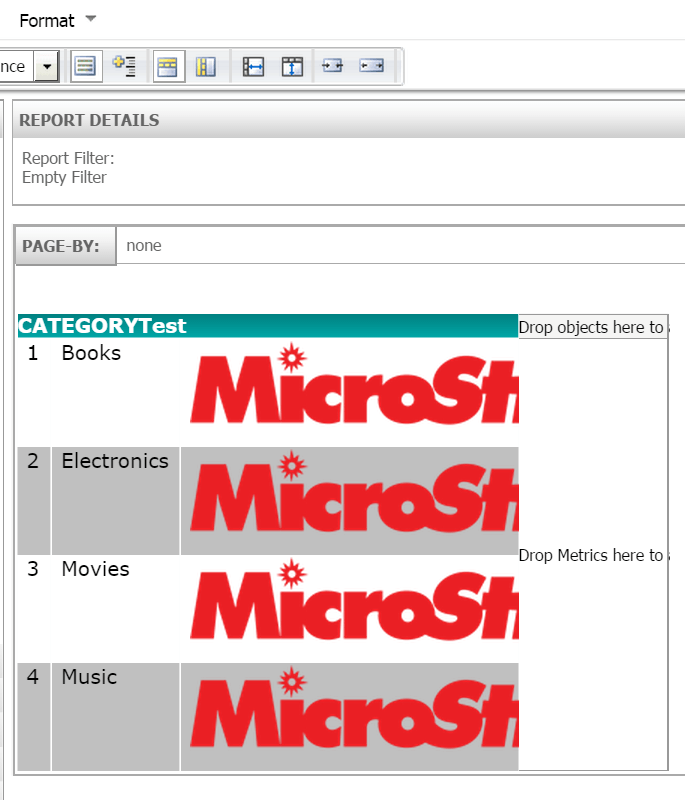
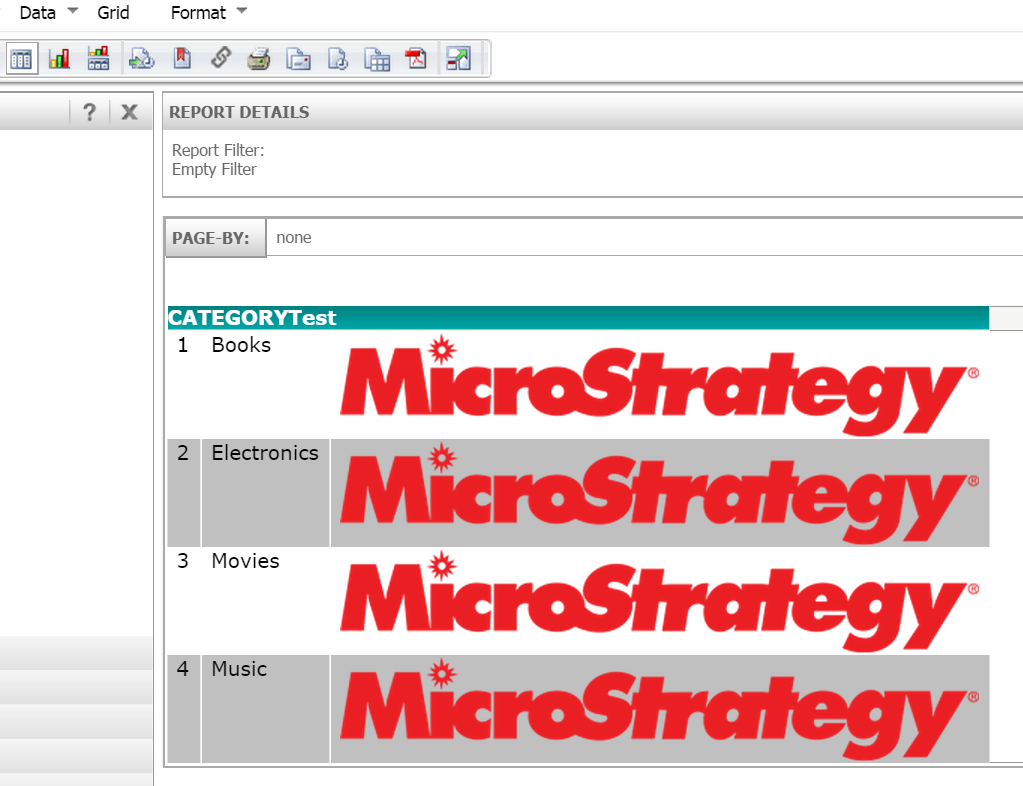
  • Note that the image size does not change accordingly, it either clipped or left empty space in grid cell, as shown below:
ka04W000000ObajQAC_0EM4400000025o0.jpeg
ka04W000000ObajQAC_0EM4400000025nj.jpeg


CAUSE:
 This is working as designed in Strategy Web.
 
ACTION:
An enhancement request has been logged to add this feature into Strategy Web.
 
WORKAROUND:
1. Resize the image itself to fit the desired display effect;
2. If resize image is not feasible, use HTML tag type attribute form instead of use Picture type
In HTML tag, use <img src=xxx HEIGHT= WIDTH= /> to define the image URL and size.


Comment

0 comments

Details

Knowledge Article

Published:

June 1, 2017

Last Updated:

June 1, 2017