DESCRIPTION
In Strategy, images are usually sourced from either absolute or relative paths. An additional option exists where one can embed the image itself into an HTML Container object using the <img src> HTML along with the base64 encoded binary-to-text values included. Using this method will grant the ability to embed the image file into the document or dashboard itself, without having the image file exist as a file in a specific folder pathway, or within a public or private URL that hosts the image.
ACTION
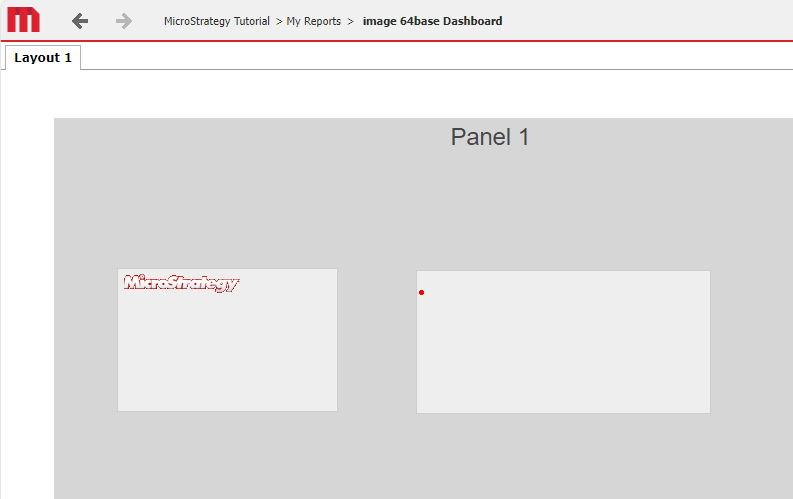
This is demonstrated in Strategy Tutorial by taking the <img src> of an image using base64 encoding from the web, and inserting that HTML into an HTML Container object within a report services document.
The screenshots below show how this is achieved with a single image, for example entering the following in an HTML container (demonstrating a red dot image, left image in screenshot):
<img src="data:image/png;base64, iVBORw0KGgoAAAANSUhEUgAAAAUA
    AAAFCAYAAACNbyblAAAAHElEQVQI12P4//8/w38GIAXDIBKE0DHxgljNBAAO
        9TXL0Y4OHwAAAABJRU5ErkJggg==" alt="Red dot" />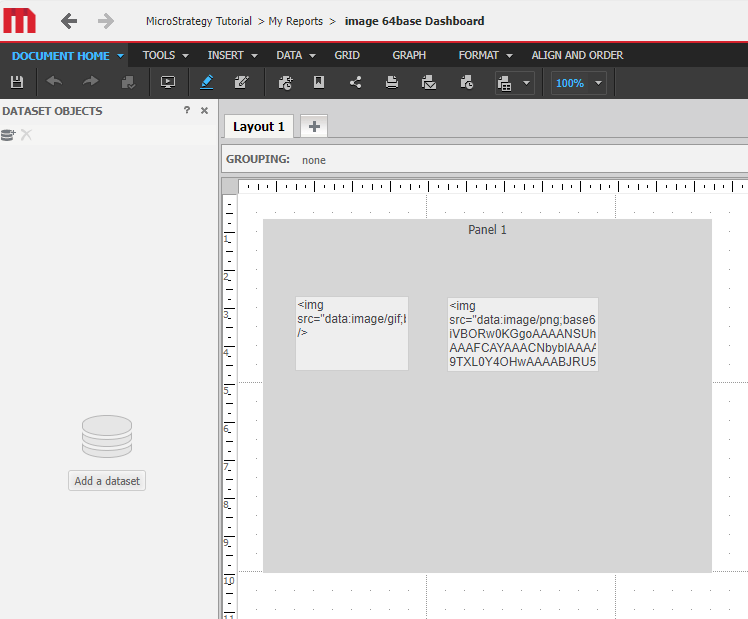
More advanced techniques can be employed with HTML, Java, JavaScript, etc. to create loops and logic to populate multiple images, multiple sizes, multiple alignments, etc. These techniques, however, are customizations, and Strategy Technical Support is unable to provide code, or troubleshoot custom code to achieve this type of logic. Strategy Technical Support is able to assist if discrepancies with image display in the HTML Container or issues with the HTML Container object specifically are able to be isolated and reproduced in out of the box Strategy Web and/or Mobile.
TO LEARN MORE
It may be helpful to better understand the base64 encoding process, so here is a link to some useful information for a good start. The Data URI Scheme article also contains a Pros and Cons list of using base64 encoding.
http://en.wikipedia.org/wiki/Base64
http://en.wikipedia.org/wiki/Binary-to-text_encoding
http://en.wikipedia.org/wiki/Data_URI_scheme
Third Party Software Installation: WARNING:
The third-party product(s) discussed in this technical note is manufactured by vendors independent of Strategy.Strategy makes no warranty, express, implied or otherwise, regarding this product, including its performance or reliability.
Customization Warning:
This customization is provided as a convenience to Strategy users and is only directly applicable to the version stated. While this code may apply to other releases directly, Strategy Technical Support makes no guarantees that the code provided will apply to any future or previous builds. In the event of a code change in future builds, Strategy Technical Support makes no guarantee that an updated version of this particular customization will be provided. For enhancements to this customization or to incorporate similar functionality into other versions, contact your Account Executive to inquire about Strategy Consulting assistance.
