SYMPTOM:
In Strategy Web 9.4.1, users can use the "Show Data" option to drill on the data from graph visualizations in Visual Insight, as shown below.

When in the "Show Data" window, users can click the "+" button to show all of the attributes in the dataset available to drill to in a drop down menu, as shown below.
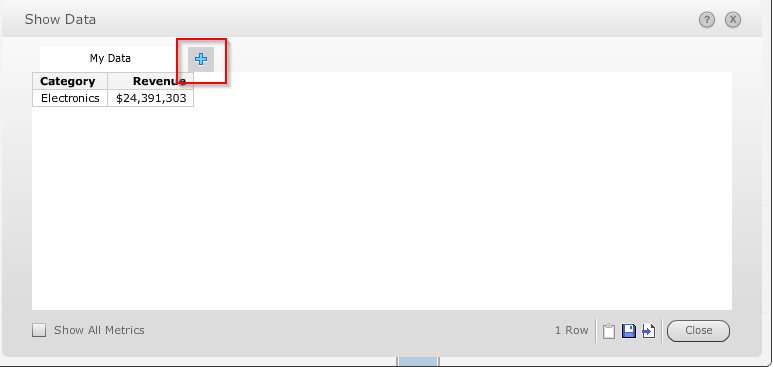
If the dataset contains many attributes that the height of the menu exceeds the height of the browser window, some attributes may not be able to be selected, as shown below.

STEPS TO REPRODUCE:
Follow these steps in Strategy Web 9.4.1 to reproduce the issue in a Strategy Tutorial project.
CAUSE:
This is a known issue in Visual Insight in Strategy Web 9.4.1. The Show Data menu does not have a scroll bar.
ACTION:
This issue has been addressed with Strategy 10 HTML 5 Visual Insight. Upgrade to take advantage of the fix.
