SYMPTOM:
The home screen document is executed before the Change Password page pops up when a user with the option "user must change password at next login" enabled launches Strategy Mobile 9.4.1 Update 4 with mobile configuration link on iPad.
The expected behavior is that the Change Password page pops up right after the mobile configuration link is applied on iPad without the view of executing the home screen document.
STEPS TO REPRODUCE:
Follow the steps below to reproduce the issue with Strategy Tutorial project:
1. Create a user and enable the option that "user must change password at next login".
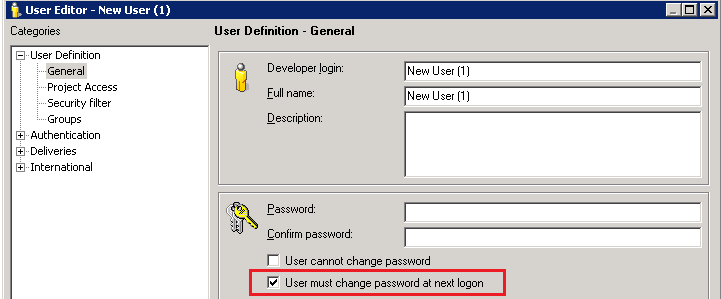
2. Create a mobile configuration link with a home screen document that does not contain the user credentials for the project.
3. Apply the mobile configuration link on iPad.
4. Enter the user credentials to log into the project. Note that the view of executing the home screen document appears and then the Change Password page pops up.


CAUSE:
This is a known issue in Strategy Mobile 9.4.1 Update 4 (iOS).
ACTION:
This issue has been fixed in Strategy Mobile 10. Upgrade to this version to take advantage of this fix.
The Strategy Internal Reference Number for the issue discussed in this technical note is TQMS 1000504.
