SUMMARY:
This article outlines an issue that occurs when a Transaction report has a row with the ‘Required’ column set to NO. Once the user attempts to submit the Transaction Services document without inputting values into the corresponding column, an ODBC error occurs.
SYMPTOM:
In Strategy Web, users receive the following error after clicking ‘Submit’ on a Transaction Services document:

Document Execution Failed: One or more dataset reports returned an error.
Insert XX (QueryEngine encountered error: Execute Query failed. Error type: Odbc error. Odbc operation attempted: SQLExecDirect..Syntax error in INSERT INTO statement.

CAUSE:
This issue occurs if the Required column of the transaction report is set to NO but the syntax of the underlying SQL statement still requires that object to have a value inserted. When the Required column of a transaction report is set to Yes, the Engine will insert a NULL in place of the value, which then allows the SQL to be submitted without an ODBC error.
ACTION:
Set the Required column to YES or correct the SQL statement of the transaction report to not require a value for the column.
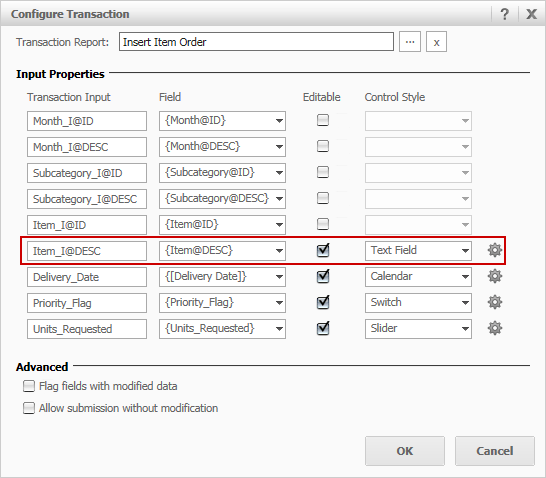
To set a column to be optional, configure the transaction in Strategy Web and uncheck the option ‘Input is required’.
To learn more about the Required column, refer to article KB207490.
Refer to the Advanced Reporting Guide for more information on Transaction Services reports.
