SYMPTOM
When filtering in a Visual Insight dashboard, users have the options to “Keep Only”, “Exclude”, “Keep Only and Show”, or “Show Data” as seen below:
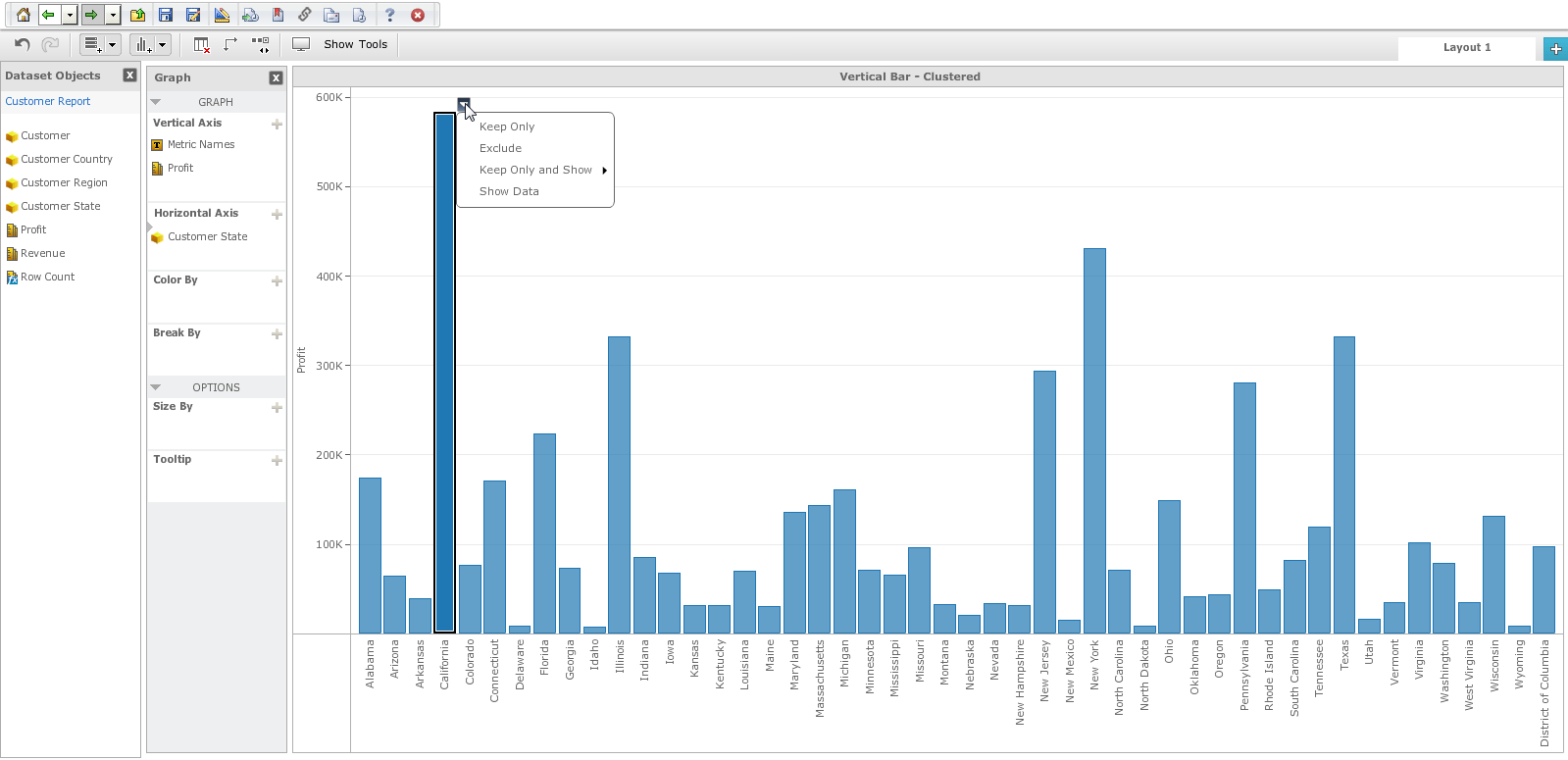
However, when a user replaces a dataset with an identical dataset in a Strategy Web 9.4.1 Visual Insight Dashboard, users may notice that the options to “Keep Only”, “Exclude”, “Keep Only and Show”, or “Show Data” are no longer available when attempting to filter on existing visualizations other than simple grids. However, when creating new visualizations, the filter options will be available again.
STEPS TO REPRODUCE

CAUSE
This is a known issue in Strategy Web 9.4.1.
ACTION
The issue has been solved in Strategy 10.0. Users are encouraged to upgrade Strategy to version 10.x to avoid the issue.
