EducationSoftwareStrategy.com
StrategyCommunity

Knowledge Base

Product

Community

Knowledge Base

TopicsBrowse ArticlesDeveloper Zone

Product

Download SoftwareProduct DocumentationSecurity Hub

Education

Tutorial VideosSolution GalleryEducation courses

Community

GuidelinesGrandmastersEvents
x_social-icon_white.svglinkedin_social-icon_white.svg
Strategy logoCommunity

© Strategy Inc. All Rights Reserved.

LegalTerms of UsePrivacy Policy
  1. Home
  2. Topics

KB221745: HTML containers in an SSL (HTTPS) environment display blank in MicroStrategy Web


Community Admin

• Strategy


This article describes how HTML containers in SSL (HTTPS) environments cannot display unencrypted websites in MicroStrategy 9.4.1 and above.

SUMMARY:
This article describes how HTML containers in SSL (HTTPS) environments cannot display unencrypted websites in Strategy 9.4.1 and above.
SYMPTOM:
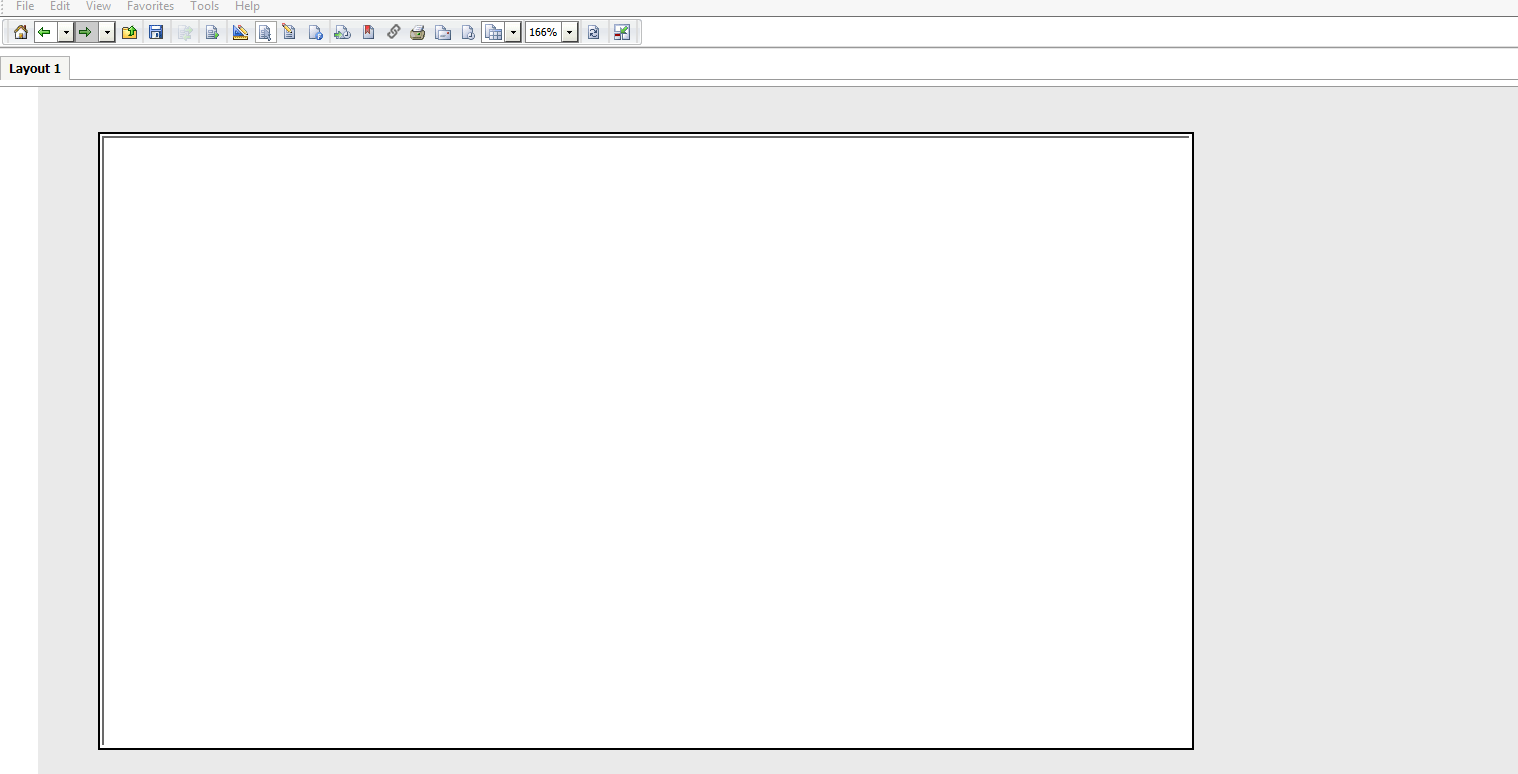
Users have the option of adding HTML containers to dashboards in Report Services Documents to access websites. HTML containers in SSL environments will not be able to access websites/pages using unencrypted HTTP protocols in Strategy Web 9.4.1. The HTML container will display as a blank square on a user’s dashboard, as shown below:
ka04W000000OfB0QAK_0EM4400000025ji.jpeg

STEPS TO REPRODUCE:
Follow these steps to reproduce the issue in a Strategy Tutorial Project:

  1. Create a document in a HTTPS environment.
  2. Insert an HTML container with a website in an HTTP environment.
  3. In all modes, a blank space appears in the HTML container.

CAUSE:
This issue is not caused by Strategy Web 9.4.1. The HTML container displays blank because the browser must first warn the users that non-encrypted or non-verified content is being displayed inside an encrypted or trusted web site before displaying the content. It is up to the user to decide whether they want to display the unsecure content or not. This decision is also handled differently by different browsers. For instance, Internet Explorer 10 and 11 display the following message at the bottom of the page:

 

ka04W000000OfB0QAK_0EM4400000025jk.jpeg


Only secure content is displayed. What's the risk? Show all content.

ACTION:
For HTTPS environments use HTML containers to visit HTTPS websites only. Or make sure users are aware of how the browser handles the mix of HTTPS and HTTP content to allow for its display. In Internet Explorer, upon clicking "Show all content" the HTTP content inside the HTML container will display.


Comment

0 comments

Details

Knowledge Article

Published:

May 16, 2017

Last Updated:

May 16, 2017