SYMPTOM:
In Strategy Mobile 9.4.1 Update 4, When the option "Allow users to access settings" is unchecked, users will still be able to navigate to the settings window, but it does not contain any settings, instead only having links to "About" and "Terms of Use." When users navigate to the settings page with an app configured with Windows project level authentication and with the option "Allow users to access settings" unchecked, the error message below appears when pressing any button in the Settings menu, including the Close button:

Please terminate your application to close all sessions
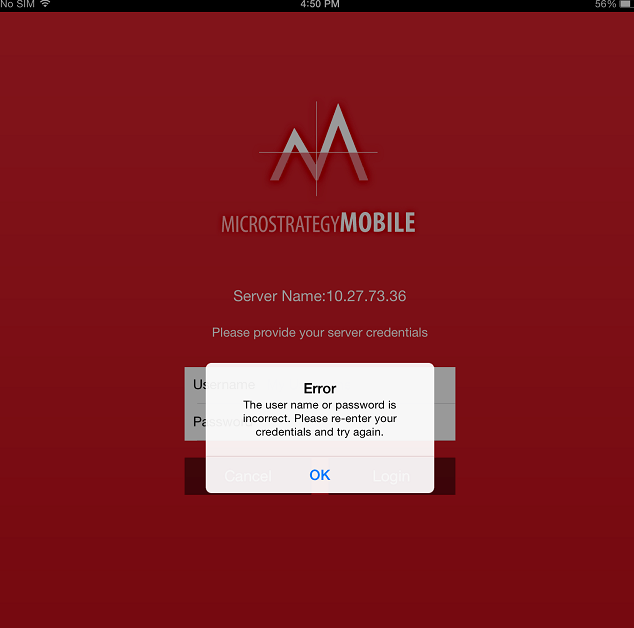
Error: the user name or password is incorrect. Please re-enter your credentials and try again.

CAUSE:
This is a known issue with Strategy Mobile 9.4.1 Update 4.
ACTION:
Strategy will continue to investigate and post updates as soon as they are available.
WORKAROUND:
The issue will only occur when both Windows project level authentication is used and the setting "Allow users to access settings" is unchecked. Changing one or both of these variables will cause the issue to cease.
