SYMPTOM
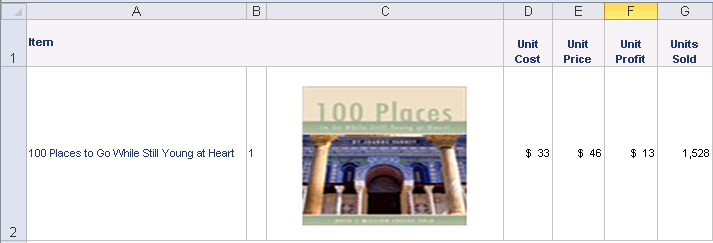
Images are not displayed in Excel documents that are delivered through Distribution Services in Strategy 9.x or 10.x, while they appear correctly when opening the report directly on Strategy Web or when exporting to Excel.
Excel document delivered through a subscription
Direct export to Excel
It is verified that the image is available in following locations:
\Common Files\Strategy\Images (when the Intelligence Server is on Windows)
\Strategy\Desktop\Images
\<MSTR_HOME_PATH>\Intelligence Server\Images
\Strategy\Web ASPxImages
Note:
For both subscriptions and direct export, the image is invoked from path \Strategy\Intelligence Server\Images (if the Strategy Intelligence Server is on UNIX/Linux). If the image is available in this path, it is expected that Subscription and Export should both work.
CAUSE
One possible cause is that the "Embed all images" option is not enabled.
ACTION
Enable the "Embed all images" option from user preference and in the export options.
1. Go to User Preference > Export Reports > Excel with formatting options > Embed all images.
2. In the Export options page, enable the "Embed all images" option.
Note: There is no such option for a subscription, but the setting saved in the export options will be inherited by subscriptions also.
