SUMMARY:
This article describes a situation that is working by design in Strategy. The scope of this issue is limited to situations in which a particular ACL permission is denied to the 'Everyone' user group but is granted to another user group. Alternative ways to achieve the desired set of ACL permissions are described in this Tech Note.
SYMPTOM:
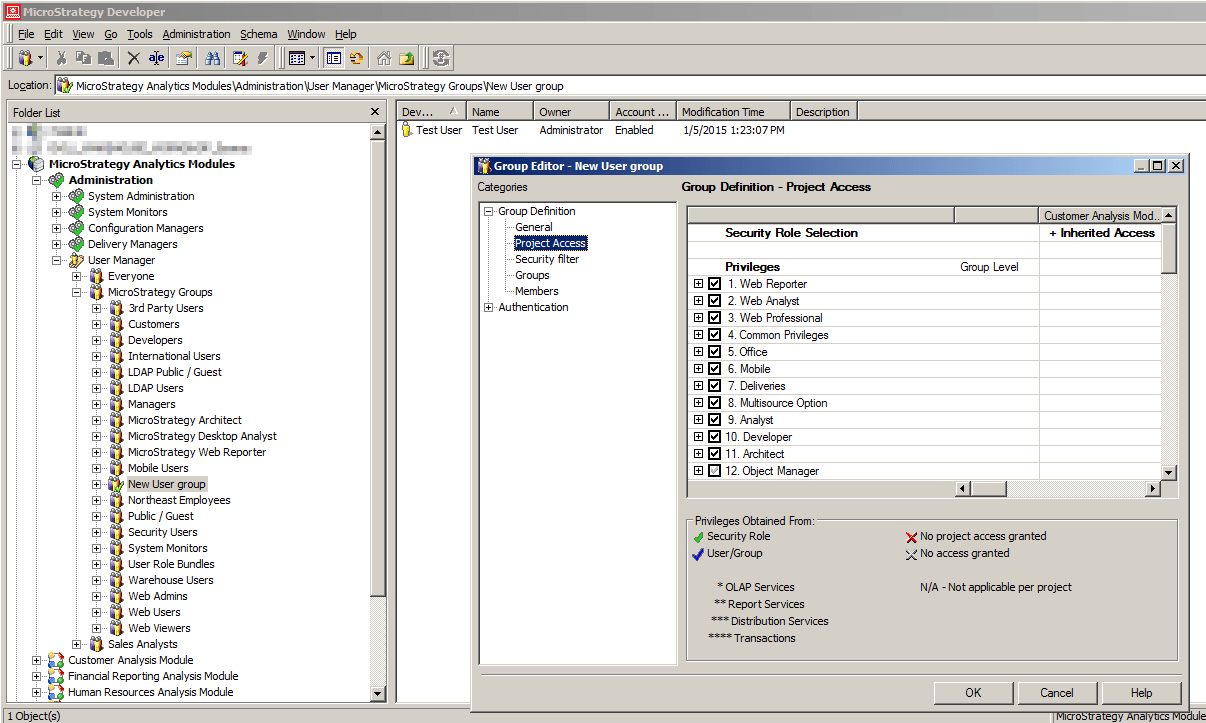
An administrator may want to prevent the majority of users from being able to browse to a particular object, but would like to allow a particular user group to browse this object. However, if the administrator denies the 'Browse' permission to the 'Everyone' group and grants this permission to another user group, individual users that belong to this second user group will not be able to see the object.
STEPS TO REPRODUCE:


CAUSE:
This is working by design in Strategy. When a permission is set to 'Deny' for the 'Everyone' group, this overrides the 'Grant' set on a second user group. If a user belongs to multiple user groups, permissions denied by any one of these groups will be denied to the user, even if the other user groups grant it. Additionally, you cannot remove users from the 'Everyone' group, so all users will be denied any permissions that are denied from the 'Everyone' group.
ACTION:
There is not currently any plan to change the behavior of permissions set at the user group level. Please see the 'Access control list' section of the Supplemental Administration Guide for more information.
There a few alternative ways to allow only a certain user group to browse a particular object:
