SUMMARY:
This technical note describes the issue found in MSTR Mobile 9.4.1 Update 4 and 5 where after applying “underline” formatting option for text on a graph, text displays in a white color on the iPad while it set to be black. This issue has been classified as a defect by Strategy. There are workarounds found for this issue. This issue has been addressed in Strategy Mobile 10 application for iOS. Upgrade to this release to take advantage of the fix.
SYMPTOM:
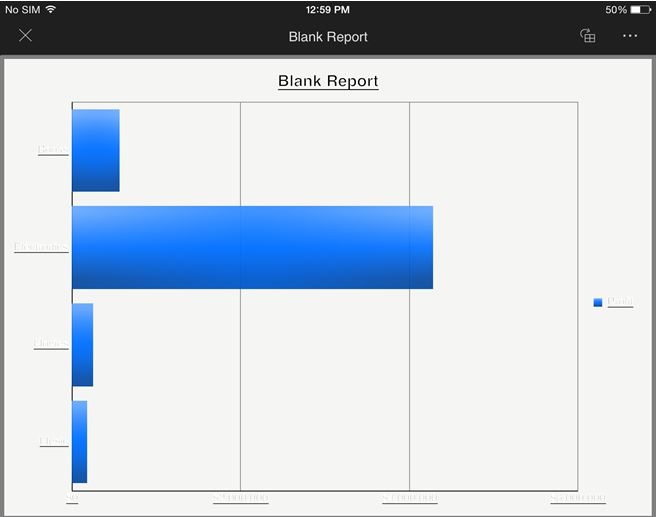
A user creates a graph on the document and wants to underline the text for X and Y axis. The text underlined as expected in MSTR Web; however, running the document on iPad 9.4.1 Update 4, the text underlined but displays in white color while the font color is set to black:
STEPS TO REPRODUCE:
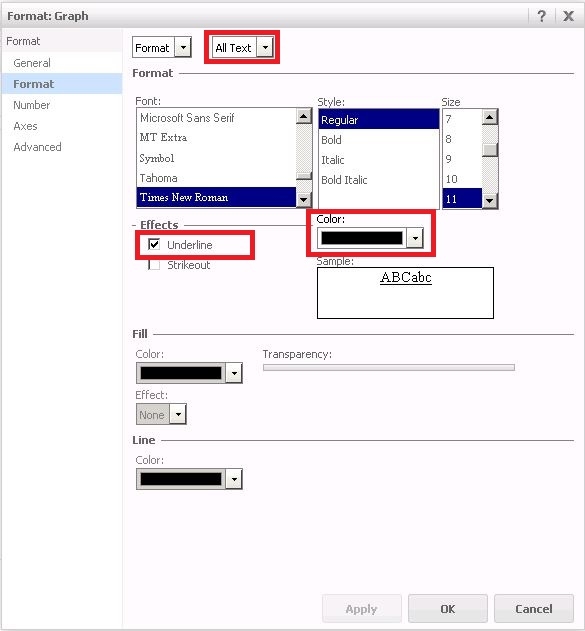
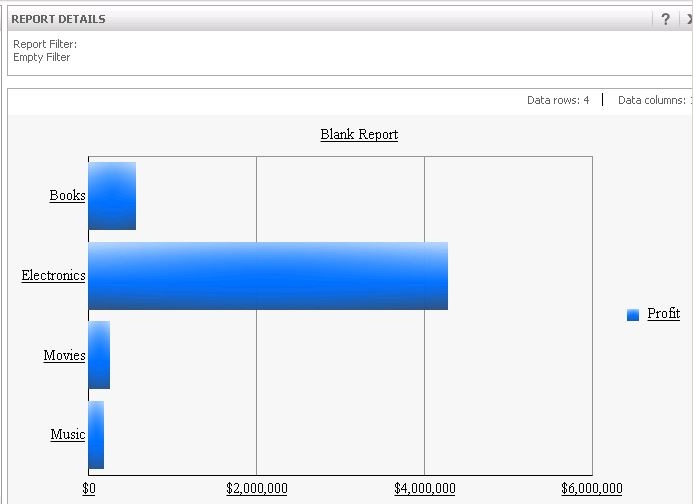
3. Run the report in MSTR Web. Notice that text is underlined and the font color is black as expected:
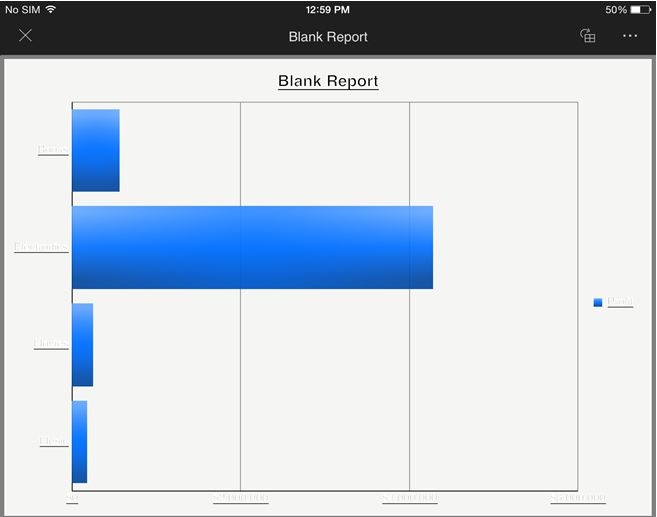
4. Run the report on iPad 9.4.1 Update 4, 5 app. As shown below, the text on the graph is converted to a white color unexpectedly:
CAUSE:
It appears to specifically affect graphs in a report that ran on iPad 9.4.1 Update 4,5 where “underline” option is enabled for the text on the graph. This has been classified as a defect.
ACTION:
This issue has been addressed in Strategy Mobile 10 application for iOS. Upgrade to this release to take advantage of the fix.
WORKAROUND:
1. If possible, change the background color to any dark color to see the white text on the graph.
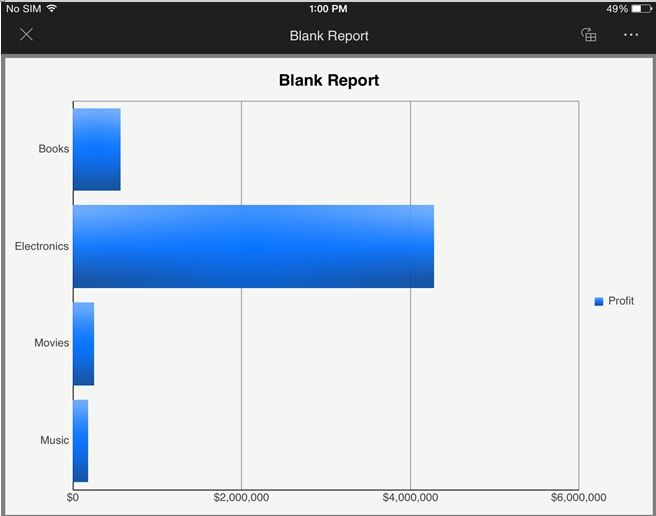
2. If possible, do not underline the text on the graph, as shown below, the issue does not occur on the Mobile device:
ADDITIONAL TROUBLESHOOTING:
If the steps above do not resolve the issue, please consider calling Strategy tech support with the following information of troubleshooting already done:
