EducationSoftwareStrategy.com
StrategyCommunity

Knowledge Base

Product

Community

Knowledge Base

TopicsBrowse ArticlesDeveloper Zone

Product

Download SoftwareProduct DocumentationSecurity Hub

Education

Tutorial VideosSolution GalleryEducation courses

Community

GuidelinesGrandmastersEvents
x_social-icon_white.svglinkedin_social-icon_white.svg
Strategy logoCommunity

© Strategy Inc. All Rights Reserved.

LegalTerms of UsePrivacy Policy
  1. Home
  2. Topics

KB227825: The third Nested Information Window does not display in MicroStrategy Mobile 9.4.1 iOS Update 5 and 6


Community Admin

• Strategy


This Knowledge Base article describes a known issue that third Nested Information Window does not display in MicroStrategy Mobile 9.4.1 iOS Update 5 and 6.This issue has been addressed in MicroStrategy Mobile 9.5 application for iOS. Upgrade to this release to take advantage of the fix.

SYMPTOM:
In Strategy Mobile 9.4.1 iOS Update 5 and 6, it is possible to nest information windows within other information windows. This means that a link can exist in a buttons, image, or text box inside of an information window that triggers another information window. Following this logic, If a user attempts to open a third nested information window in Strategy Mobile 9.4.1 iOS Update 5 or 6, the third and final information window does not display.
Notice below, an image in the center that triggers the info window to the right, which triggers the info window to the left, that triggers the info window at the bottom. 
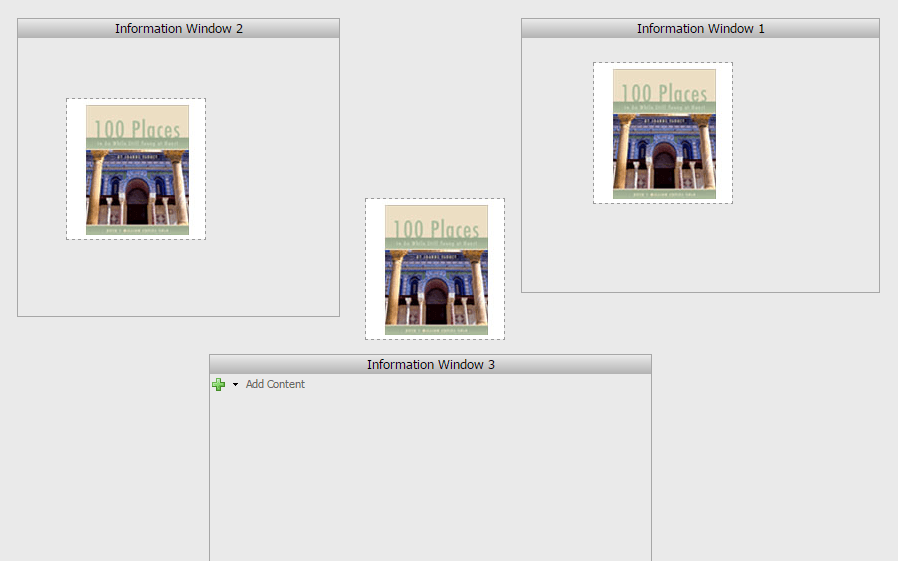
ka04W000000OhP9QAK_0EM4400000029yk.jpeg

Notice how only two info windows display but not the third one.
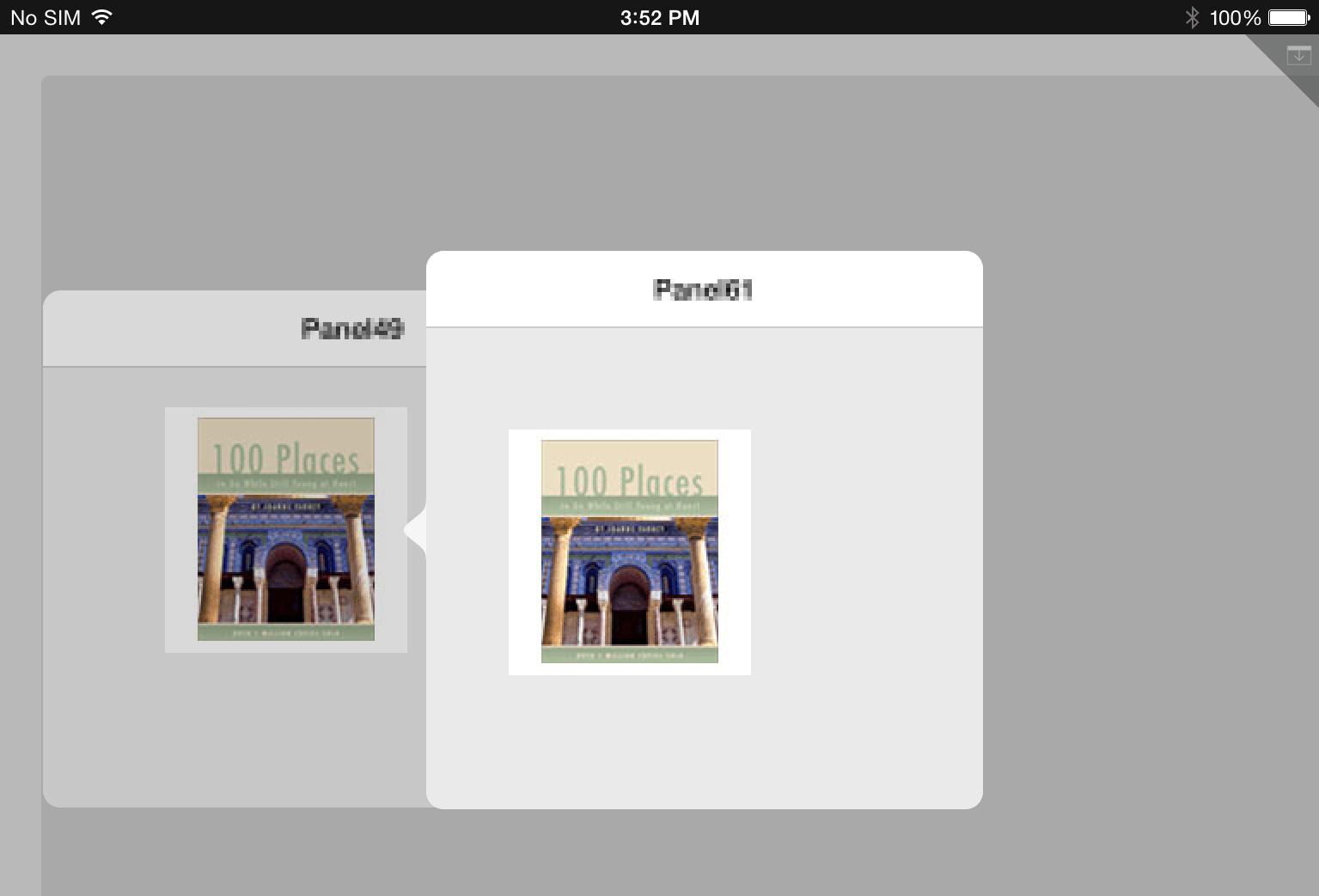
ka04W000000OhP9QAK_0EM4400000029yq.jpeg

 
STEPS TO REPRODUCE:
Follow these steps in Strategy Web 9.4.1 to reproduce the issue in a Strategy Tutorial project.

  1. Create a new document.
  2. Add 3 panel stacks and set them all to information windows.
  3. Add an image, button or text box to the body of the document and set it to open information window 1.
  4. Add an image, button or text box to information window 1 and set it to open information window 2.
  5. Add an image, button or text box to information window 2 and set it to open information window 3.
    Note: Refer to tech note KB42123, for more information on how to trigger an information window from an image.

Follow these steps in Strategy Mobile 9.4.1 iOS Update 5 or 6 to reproduce the issue.

  1. Execute the document.
  2. Open the information windows successively and observe that the third information window does not open.

 
CAUSE:
This is a known issue in Strategy Mobile 9.4.1 iOS Update 5 and 6.
 
ACTION:
This issue has been addressed in Strategy Mobile 9.5 application for iOS. Upgrade to this release to take advantage of the fix.


Comment

0 comments

Details

Knowledge Article

Published:

May 23, 2017

Last Updated:

May 23, 2017